The product
The first idea behind Lakku was simple.
A business owner uploads a photo of a product. Lakku detects the product category and suggests suitable scenes. The user selects a scene, changes the settings, and generates several advertising images.
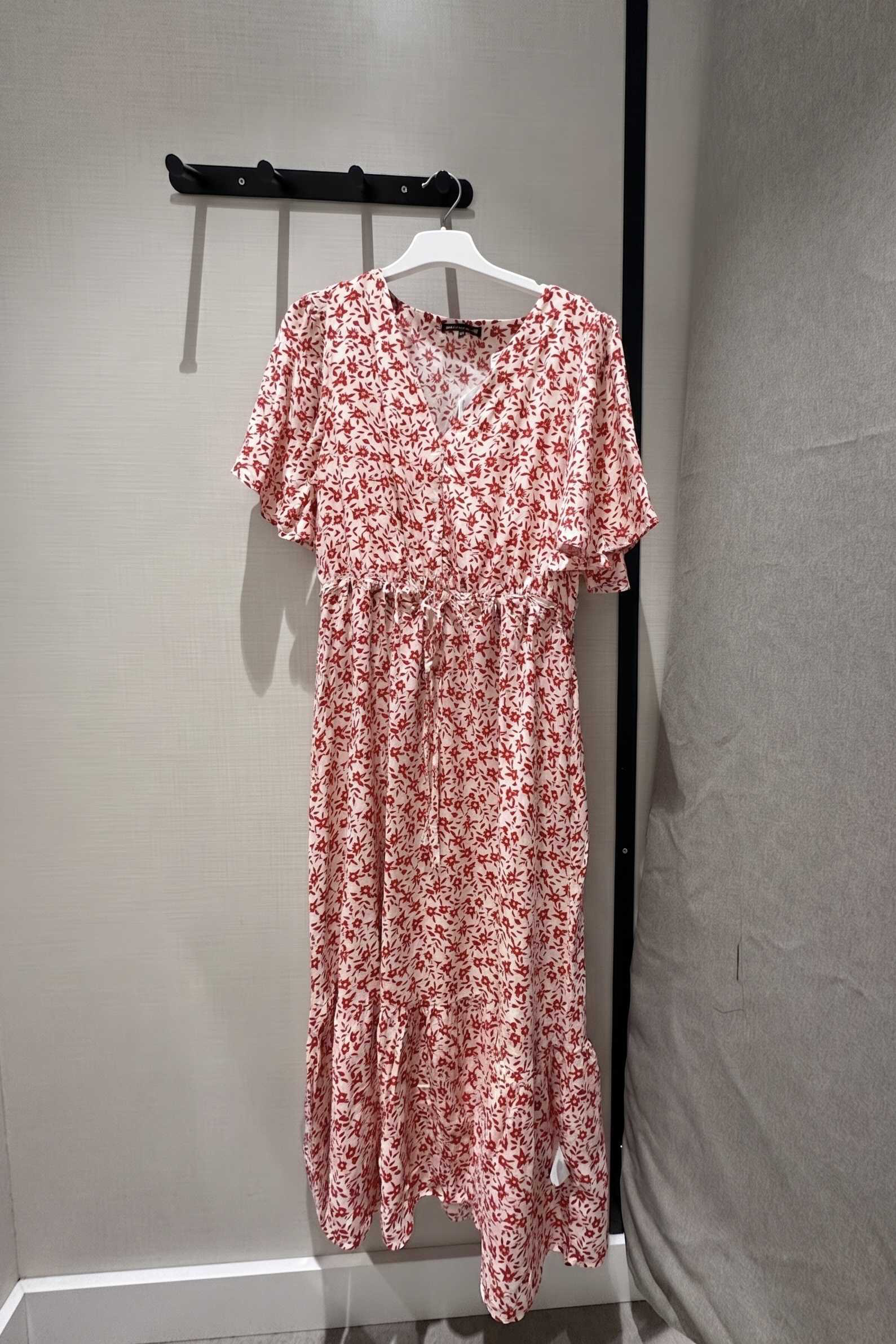
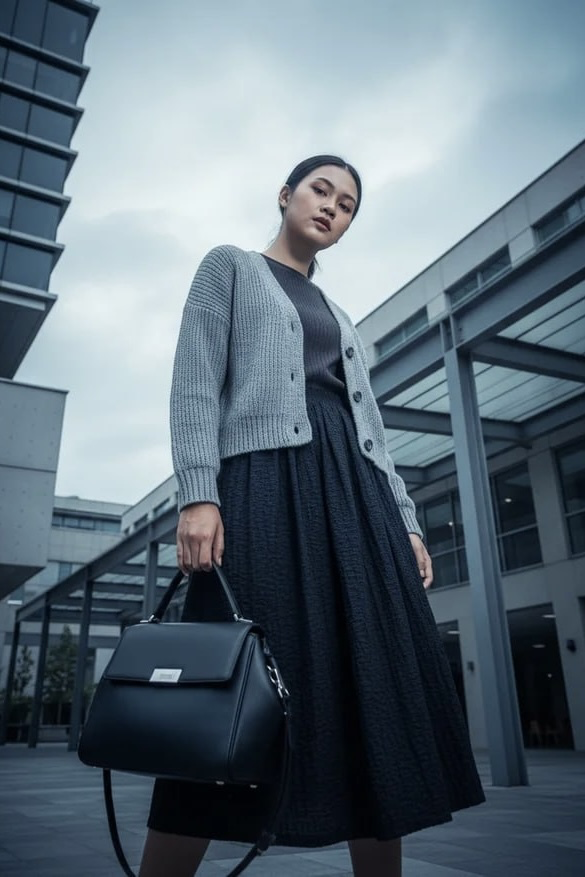
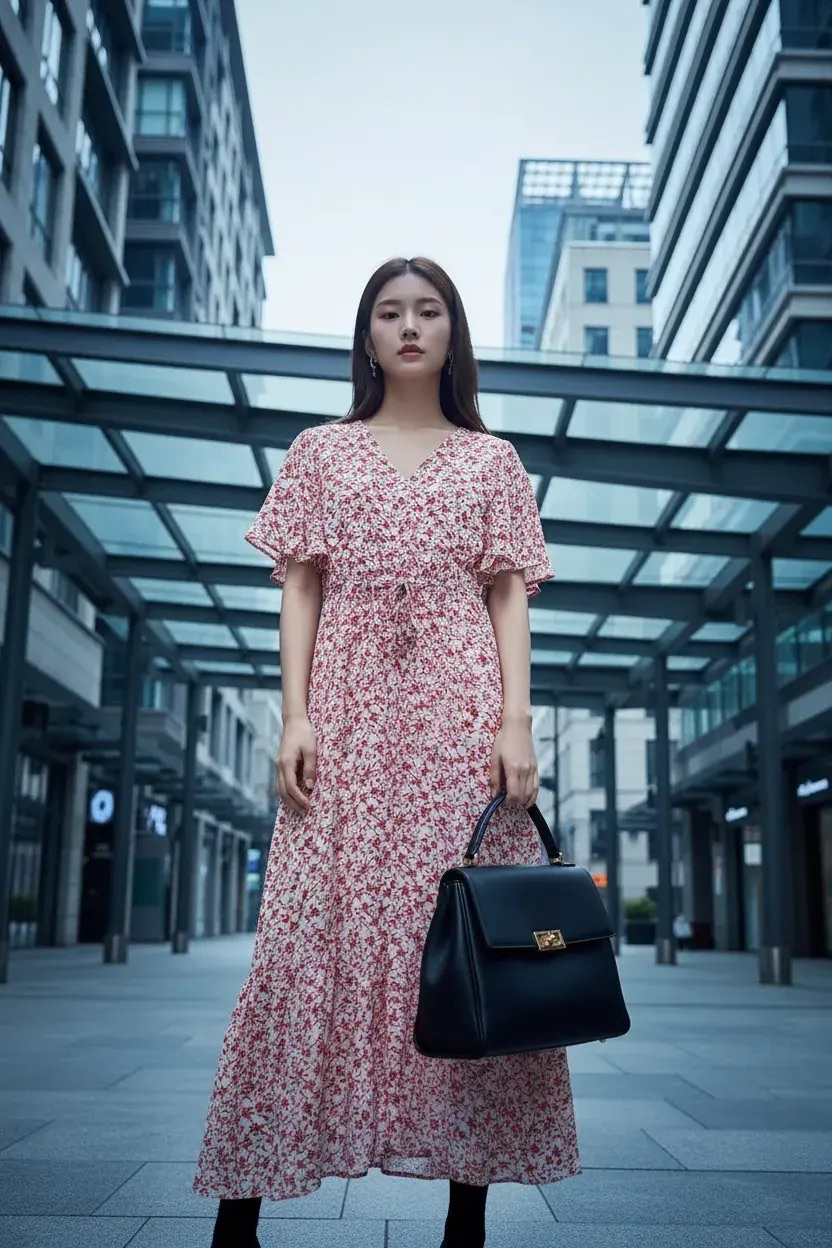
The product later grew into a larger set of AI marketing tools. Users can now create:
- product images;
- videos from images;
- images from text prompts;
- marketplace packs with images and descriptions;
- AI influencer videos;
- UGC-style videos with AI avatars;
- other types of marketing content.
The problem
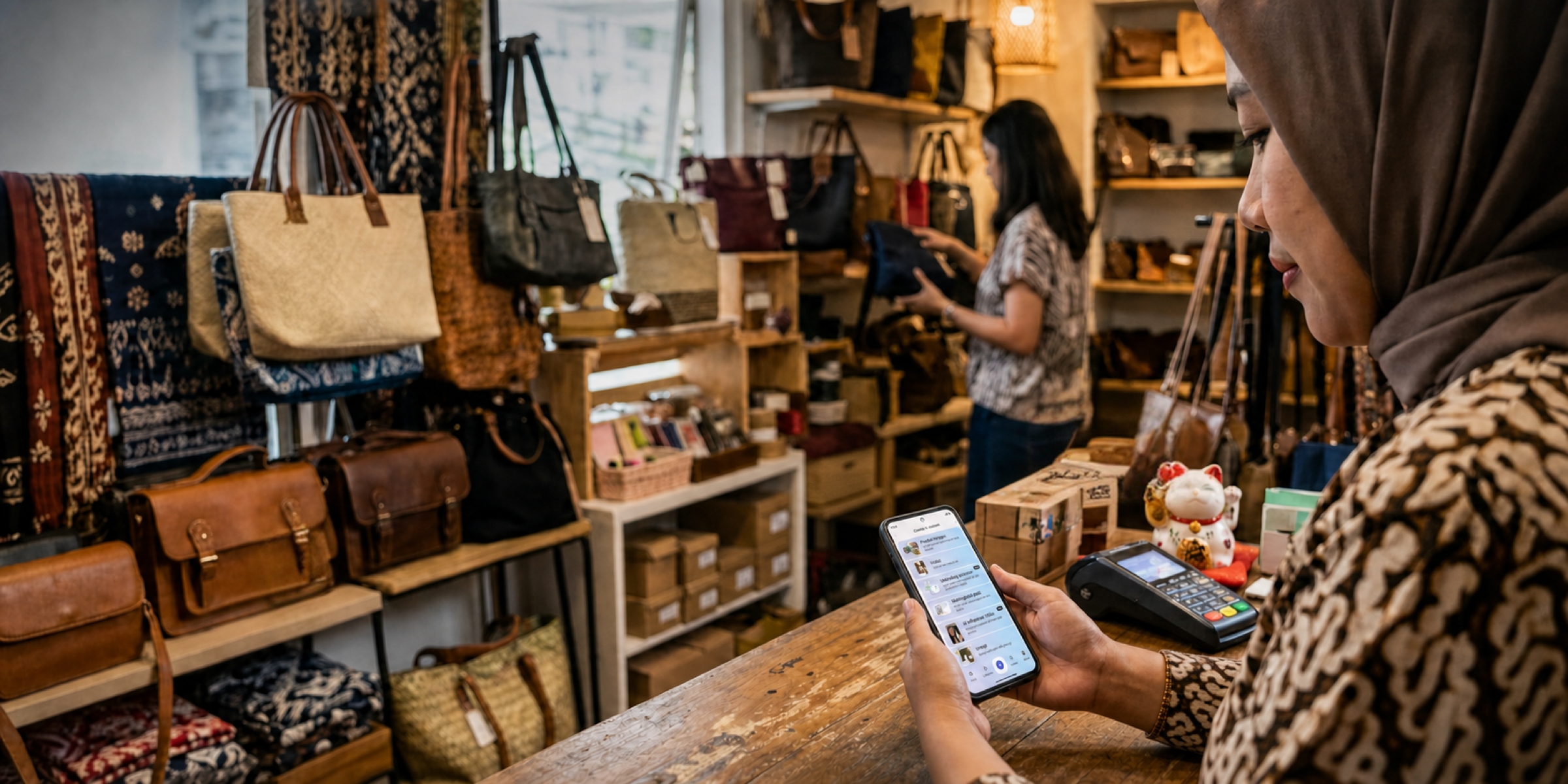
Indonesia has more than 20 million small and medium-sized businesses. Many of them need good product photos for online sales and social media.
Before accessible AI tools, a small business often had to hire a photographer and send the product to them. This process could be slow and expensive. The result did not always meet the business owner’s expectations. In this case, the product had to be photographed again.
AI could make this process faster and cheaper. However, many existing AI tools were too complex for our target audience. Users had to understand prompts, models, settings, and other technical details.
We wanted to make this process more accessible. A user should be able to upload a product, select a suitable visual direction, and get a useful result without learning how professional AI tools work.
My role
I was the only Product designer on Lakku throughout the project. The brand and logo were created by other specialists, but I was responsible for the product design.
My work included:
- turning stakeholder ideas into product scenarios;
- creating the user story map;
- designing the information architecture;
- working on end-to-end user flows;
- designing the mobile interface;
- creating prototypes;
- taking part in user interviews;
- helping synthesize research findings;
- preparing designs for development;
- working with frontend developers during implementation;
- reviewing implemented designs with QA.
The CTO was responsible for the main strategic direction. I worked most closely with the Product Manager on individual features and daily tasks.
Turning an idea into a product
When I joined, the team already had a basic prototype that could perform a simple AI generation. There was also an initial list of features and requirements.
The idea was ambitious. Lakku was not only an image generator. The team also wanted to create a product catalog, a social feed, a reward system, and tools for users who wanted to become AI talents.
Before designing individual screens, we needed to understand how all these parts should work together.
I worked with the CTO and PM to turn the initial requirements into a large user story map, an information architecture, and a set of user flows. These artifacts helped us divide the product into smaller scenarios and understand the dependencies between them.
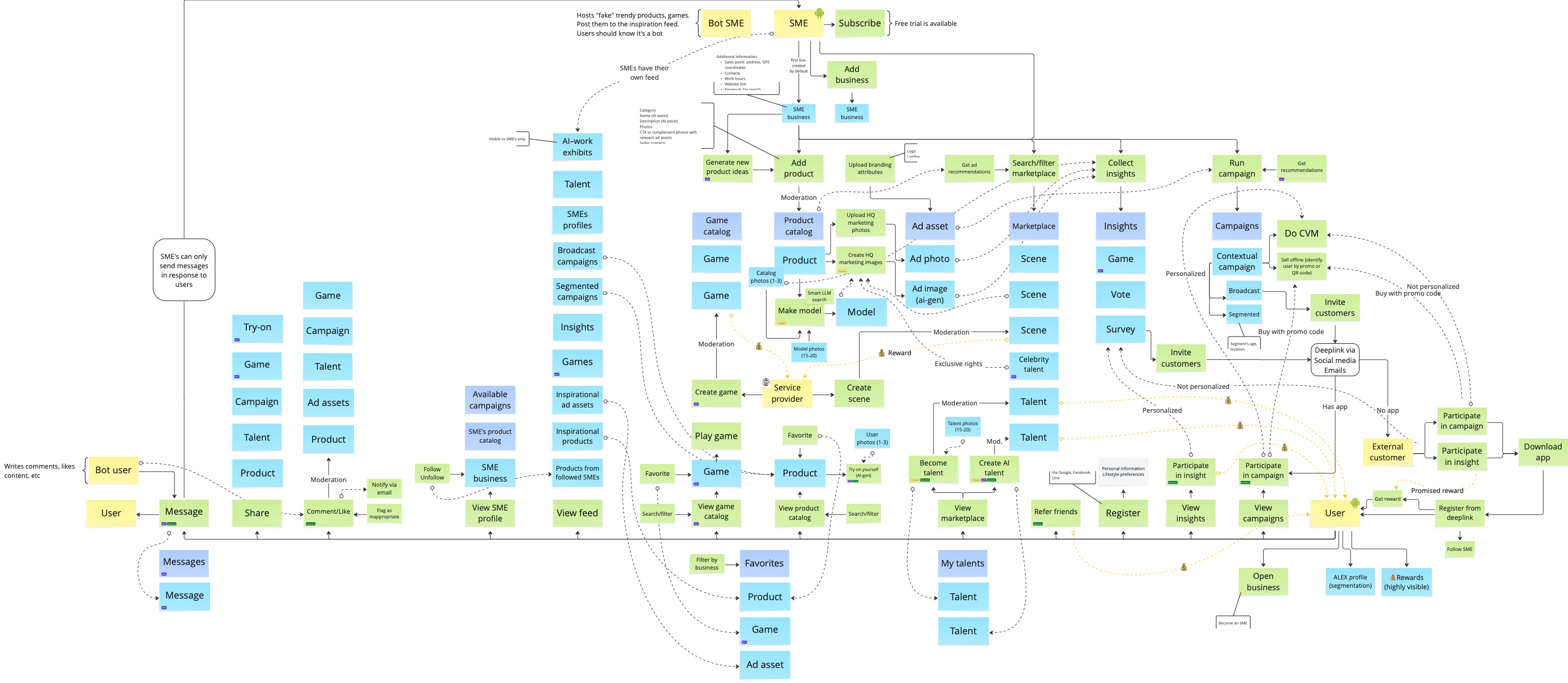
The user story map also became a practical roadmap for the team. It helped the stakeholders and developers see what we needed to build first and what could be added later.

Research in Jakarta
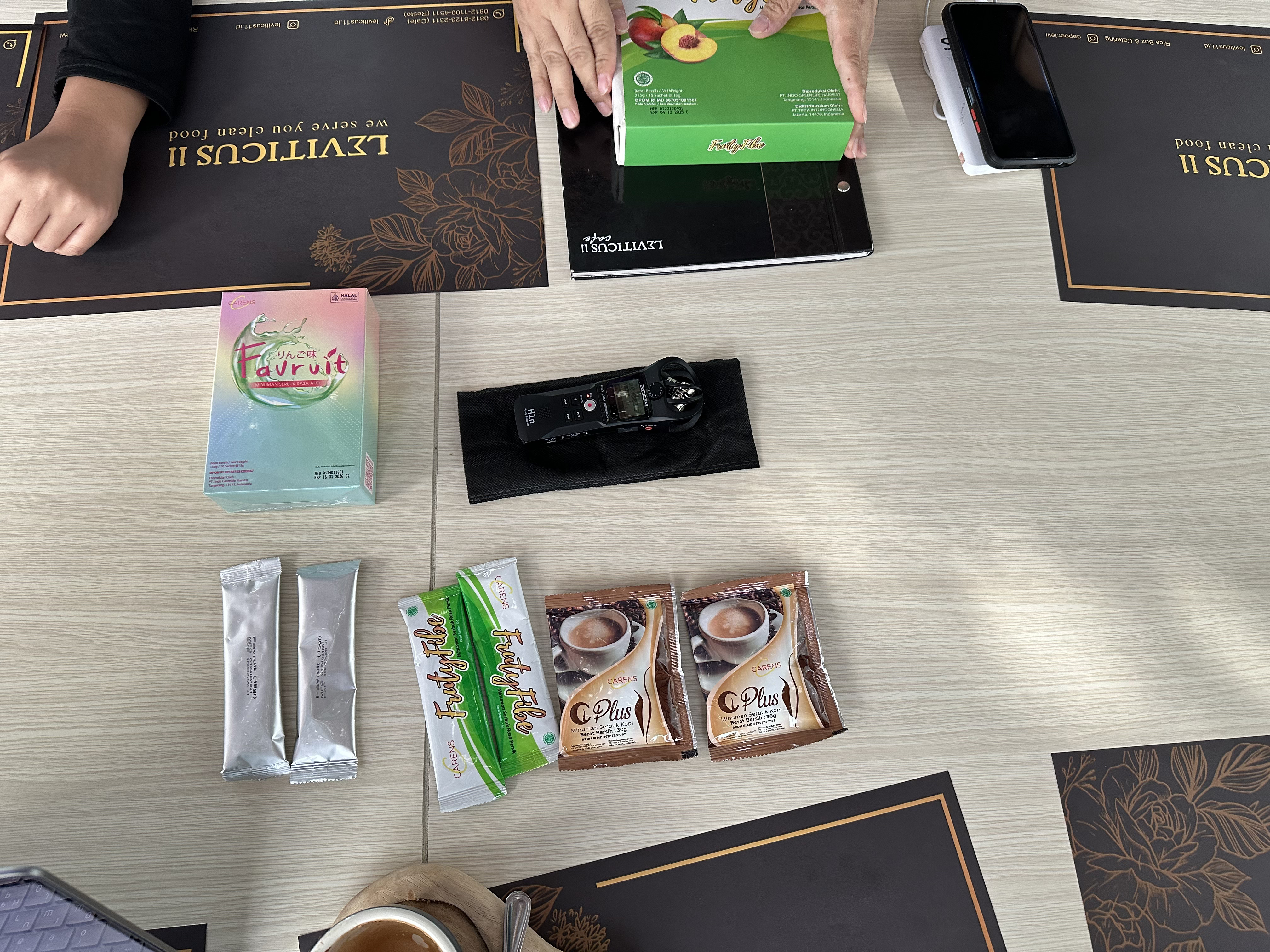
The CTO and I traveled to Jakarta to learn more about local users. Over several days, we spoke with regular online shoppers, small business owners, and content creators.
We recorded the conversations and later used AI tools to transcribe and analyze them. The CTO and I added our own observations and combined the findings.
We wanted to understand:
- how small businesses created advertising content;
- what problems they had with product photography;
- how people shopped online;
- what made them trust or distrust a seller;
- how they understood AI;
- what they thought about the Lakku prototype;
- how they reacted to the name and visual direction.
What we learned
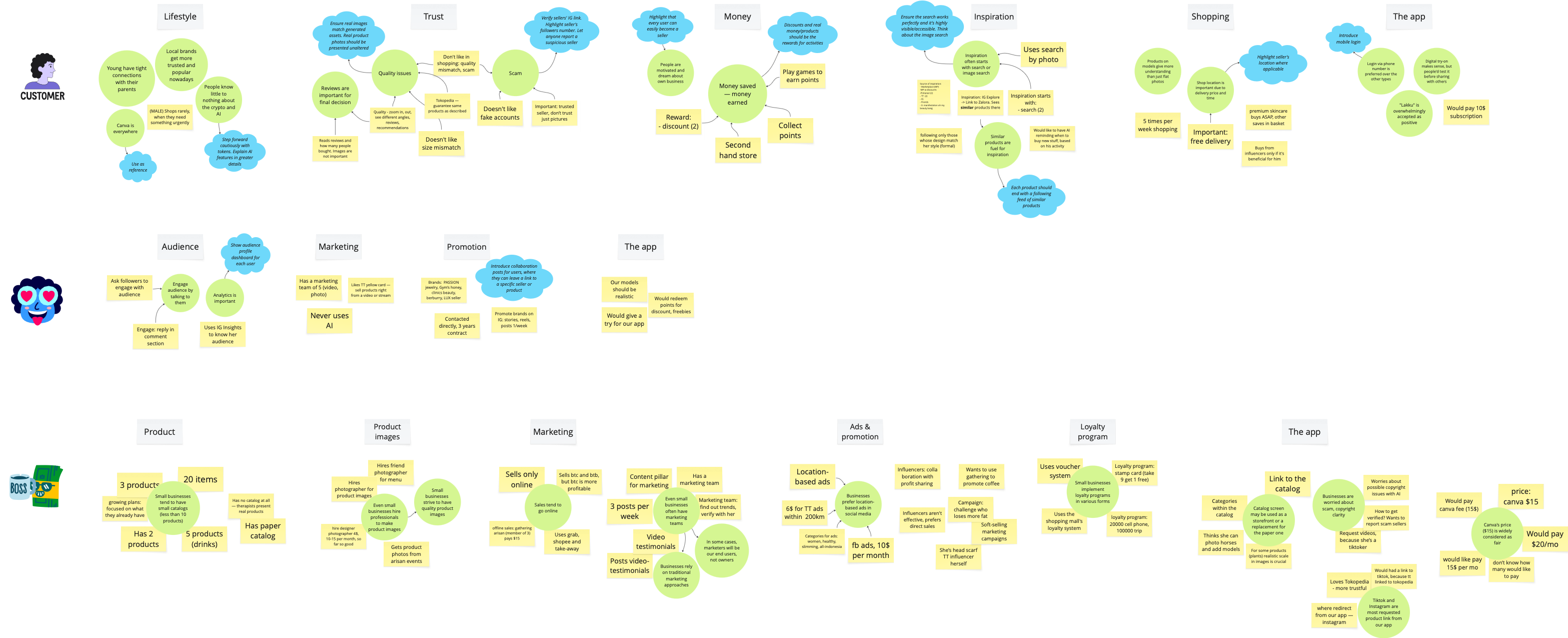
The interviews helped us understand several important things.
Many small businesses did not have their own marketing teams. They often hired photographers and models when they needed product content.
Most participants knew little about AI. At the same time, almost everyone knew or had used Canva. This showed us that the interface had to be simple and familiar.
We also learned that:
- reviews with photos and videos were important;
- users paid attention to price, discounts, and free delivery;
- many participants wanted to start their own business;
- practical rewards were more attractive than abstract points;
- many shopping journeys started with search;
- the name Lakku was generally understood in a positive way.
How research influenced the product
The research affected several product decisions.
Seller catalogs
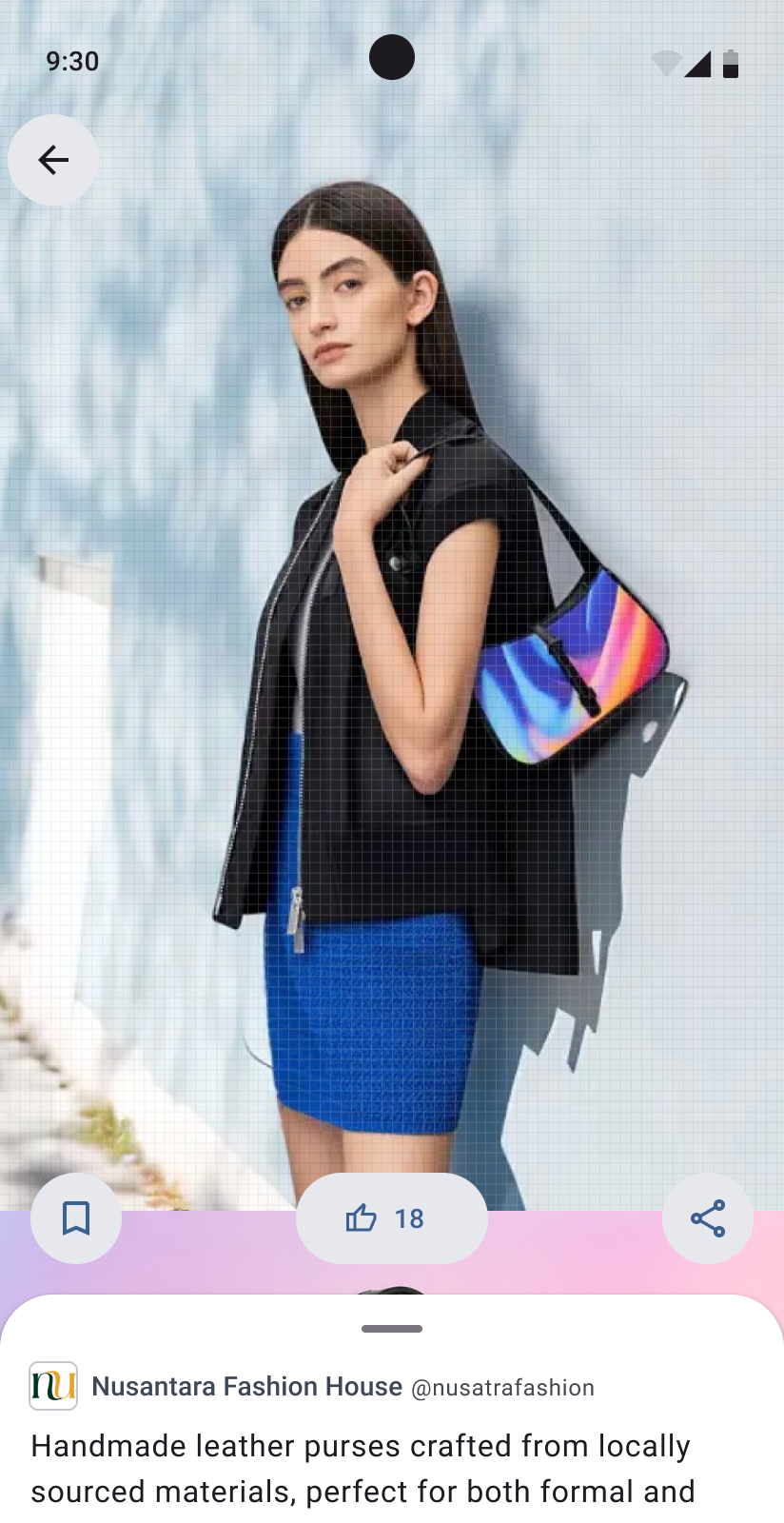
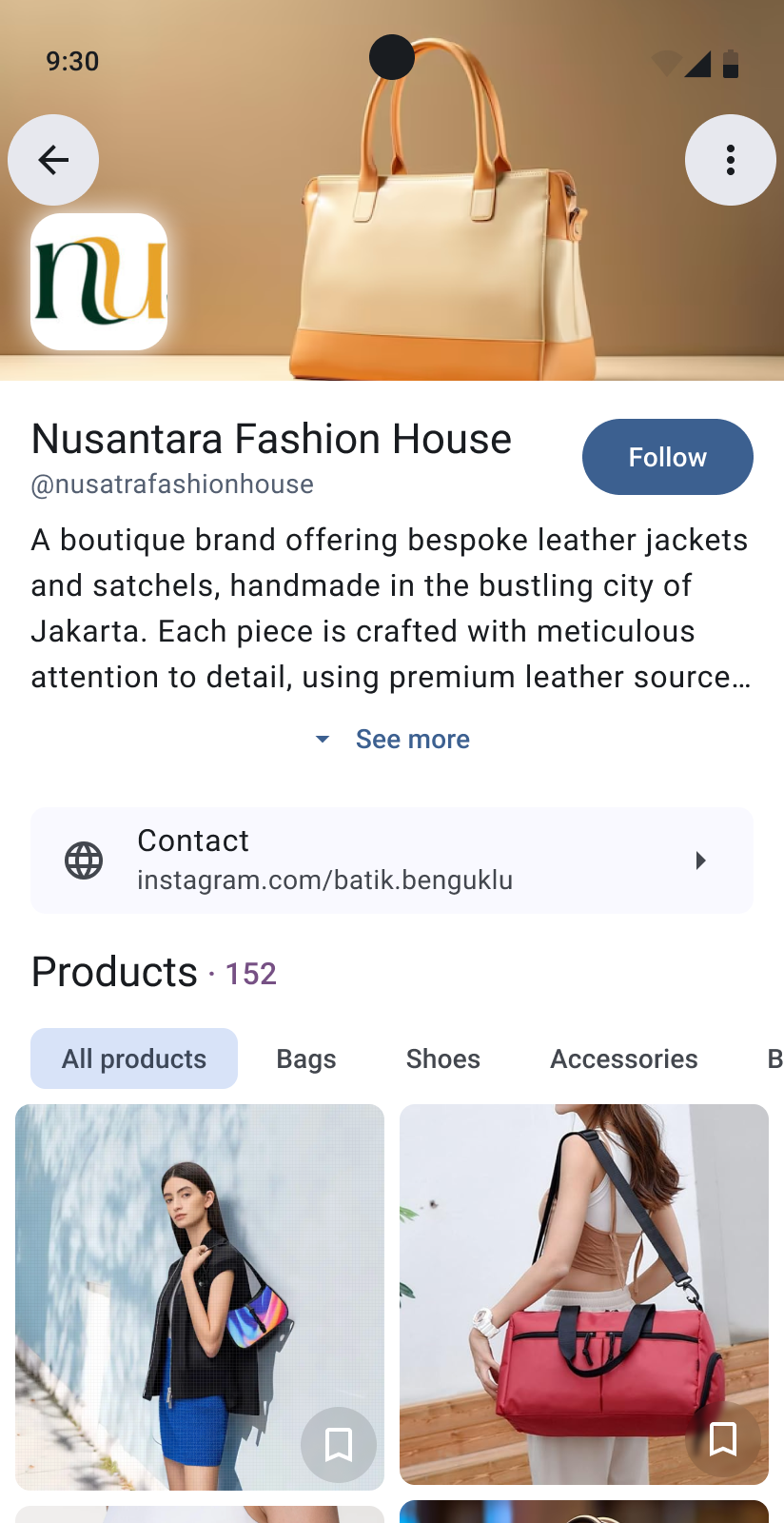
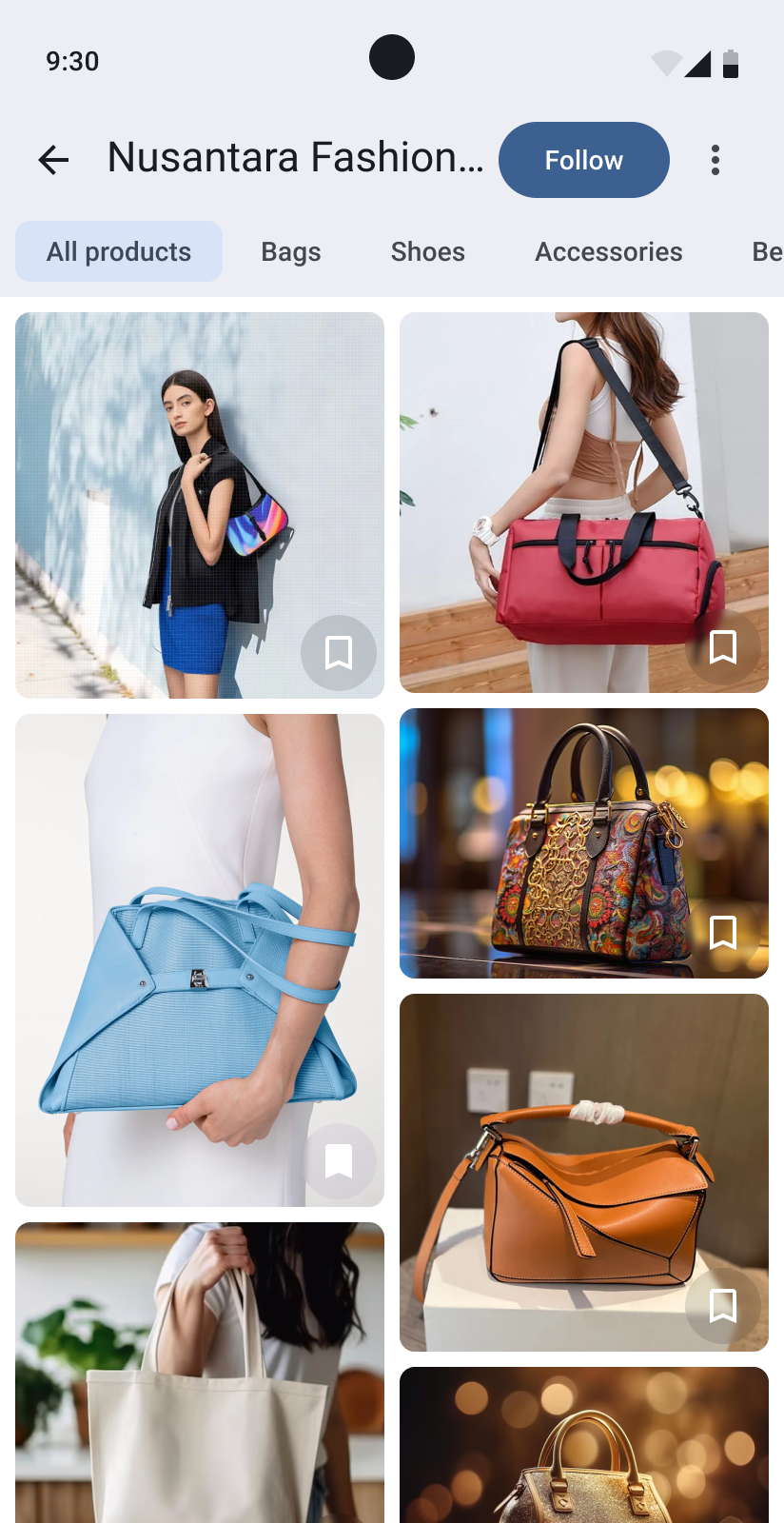
Many small businesses did not have a proper online catalog. We decided to let sellers create product listings in Lakku and collect them in a public profile.
Sellers could share a web link to their catalog on social media. People who did not have Lakku could open the catalog in a browser and see a link to download the app.
We also discussed adding prices and turning the catalog into a marketplace. The catalog was implemented, but the full marketplace was not.
A simpler approach to AI
The interviews confirmed that many users were not comfortable with AI tools. We needed to hide unnecessary technical details and explain the process clearly.
The team had also considered adding tokens to the product. We decided to move this idea to a later stage because cryptocurrency would add another unfamiliar concept.
Trust and realistic images
We treated product consistency as an important requirement for AI generation. The generated image should improve the presentation without changing the real product.
We also discussed verifying the social media links that sellers added to their profiles. This could help users avoid fake accounts.
Search and rewards
Because many users started shopping with search, we implemented semantic search. It could find related products instead of only matching the exact words in a query.
We also moved the reward concept towards discounts, promotions, and other practical benefits.
The first product structure
The first version of Lakku had two types of users.
A regular user could browse the feed, save images, receive rewards, and manage a profile. We also planned a Talents feature, where users could create AI avatars and allow businesses to use them in advertising. This feature was not completed.
A regular user could become a seller from the profile. Seller mode had a different navigation structure.
The switch was designed to feel simple, but the two roles still created two different ways to use the product.
Creating a product
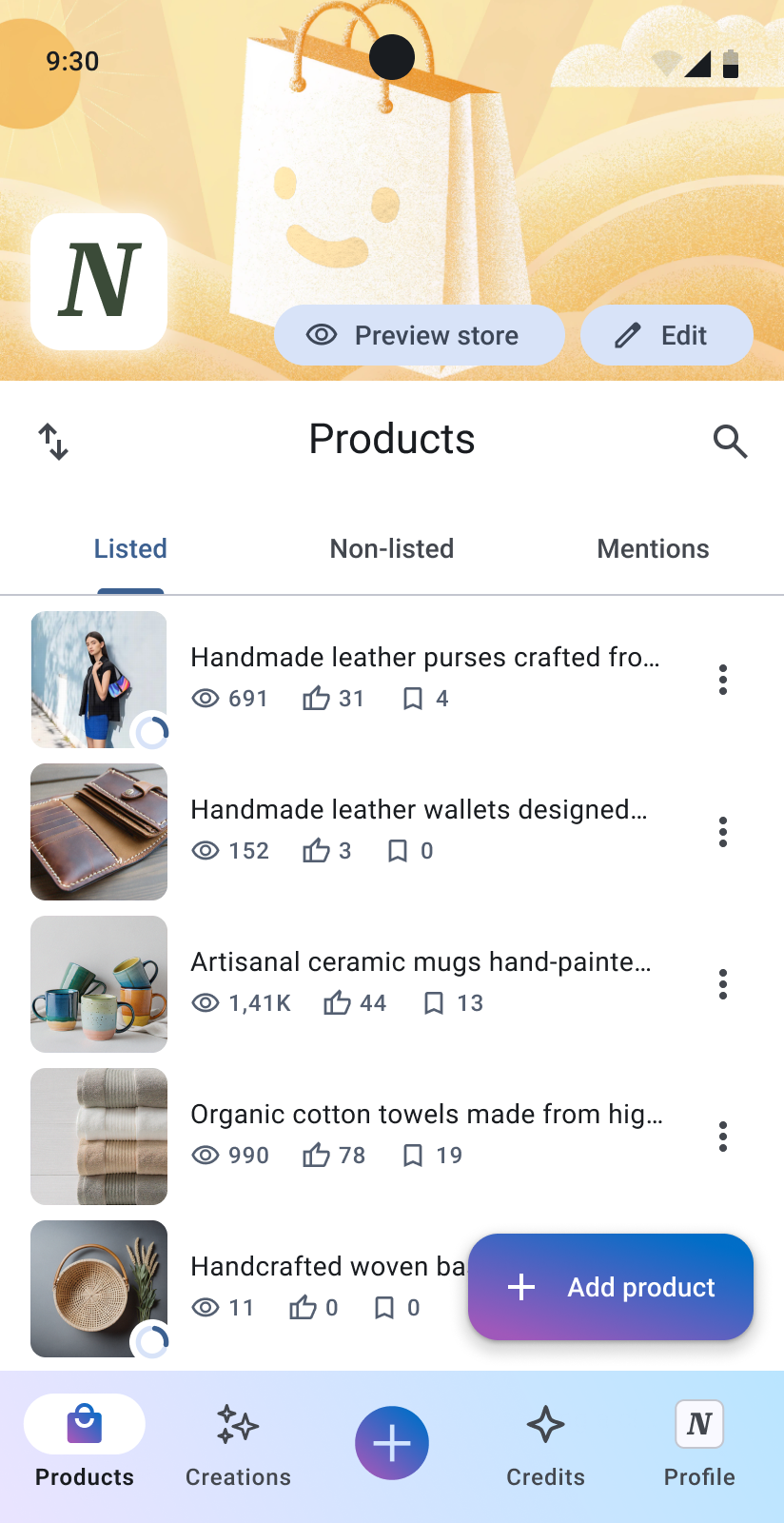
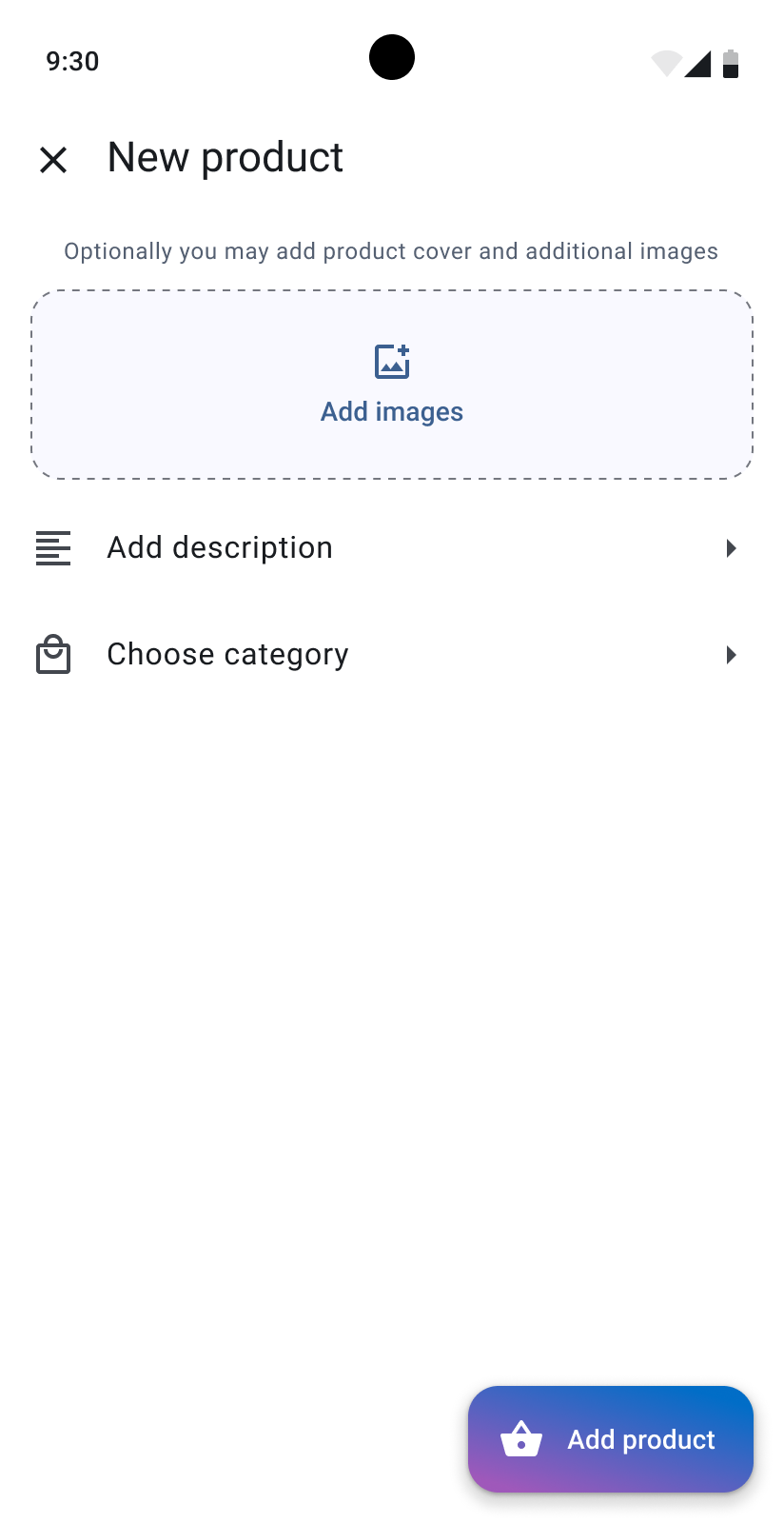
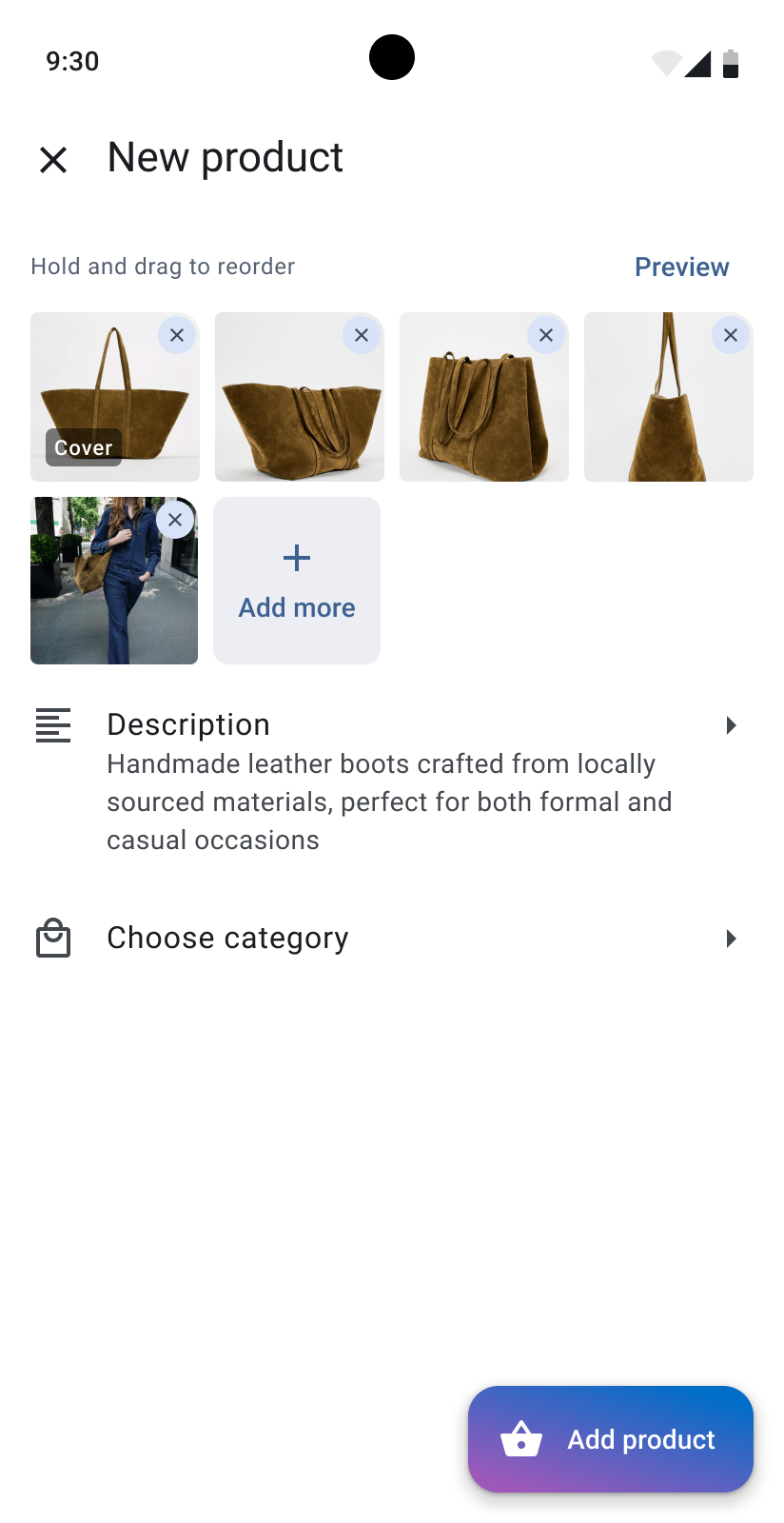
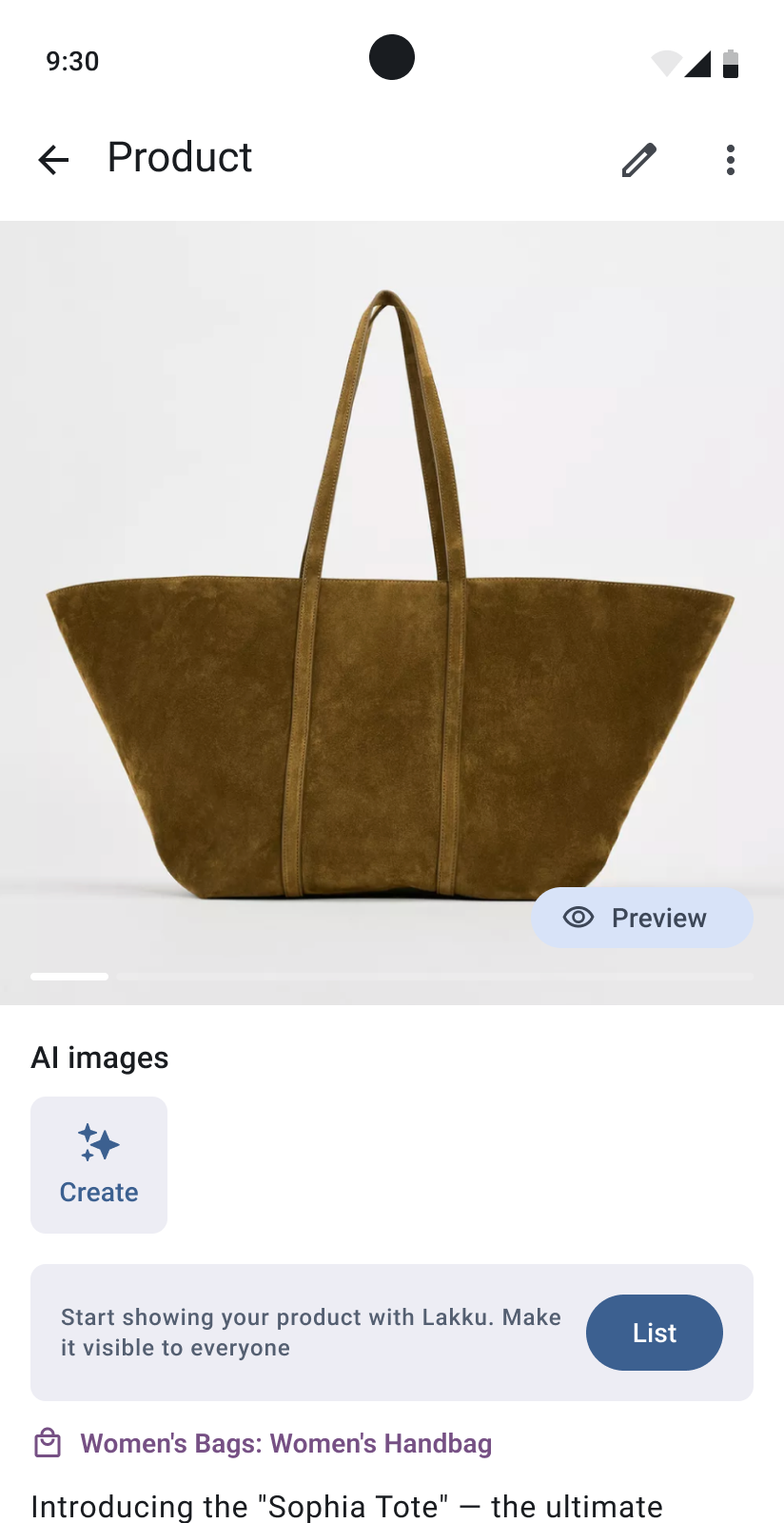
Before generating advertising images, a seller had to create a product.
The seller uploaded product photos, added a description, selected a category, and chose whether the product should be published or hidden.
Generating images
The first concept divided scenes into three groups:
- Suggested scenes for the product category;
- Discover for other styles and trends;
- Faved for saved scenes.
We later simplified this structure and showed suitable scenes together with search.
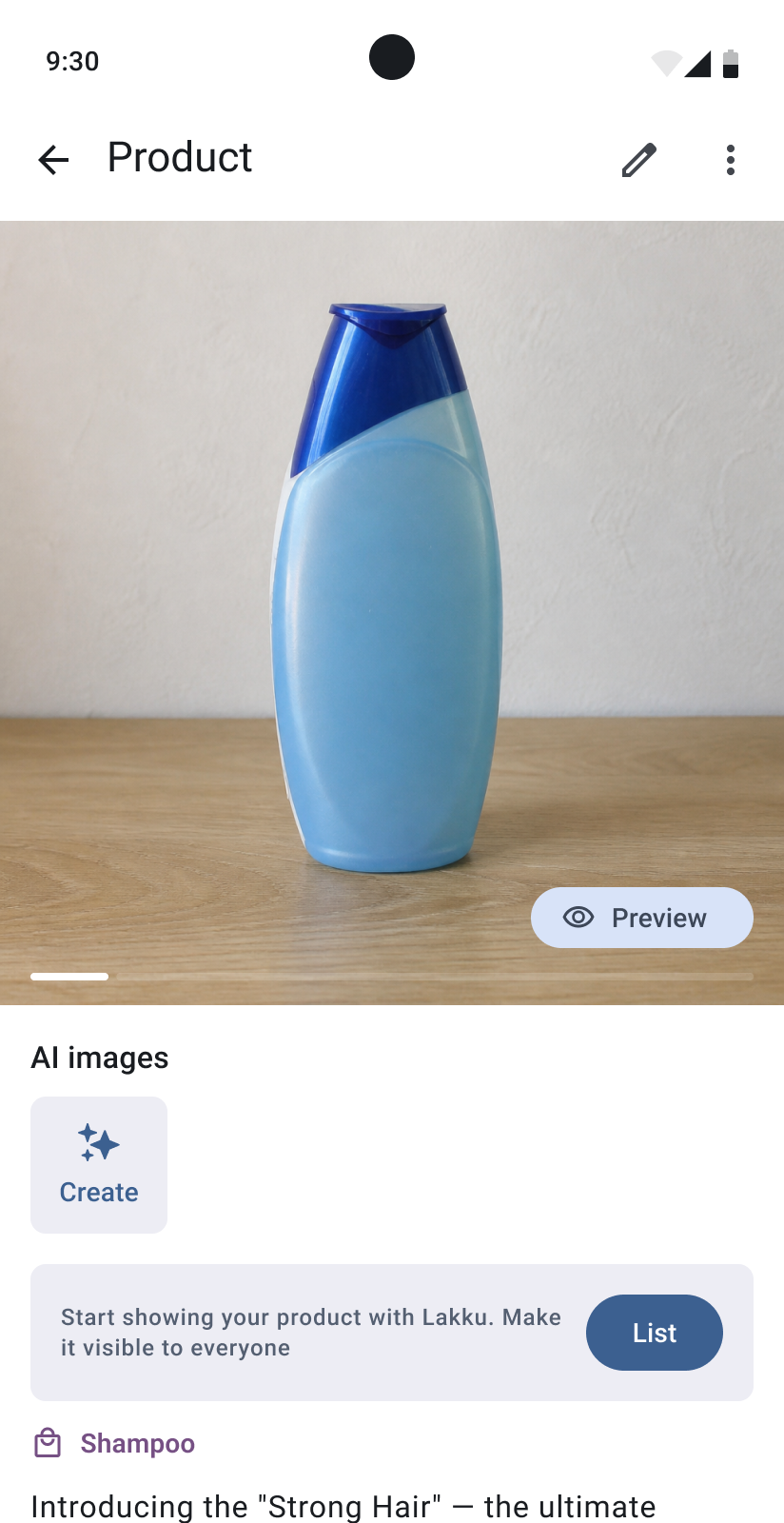
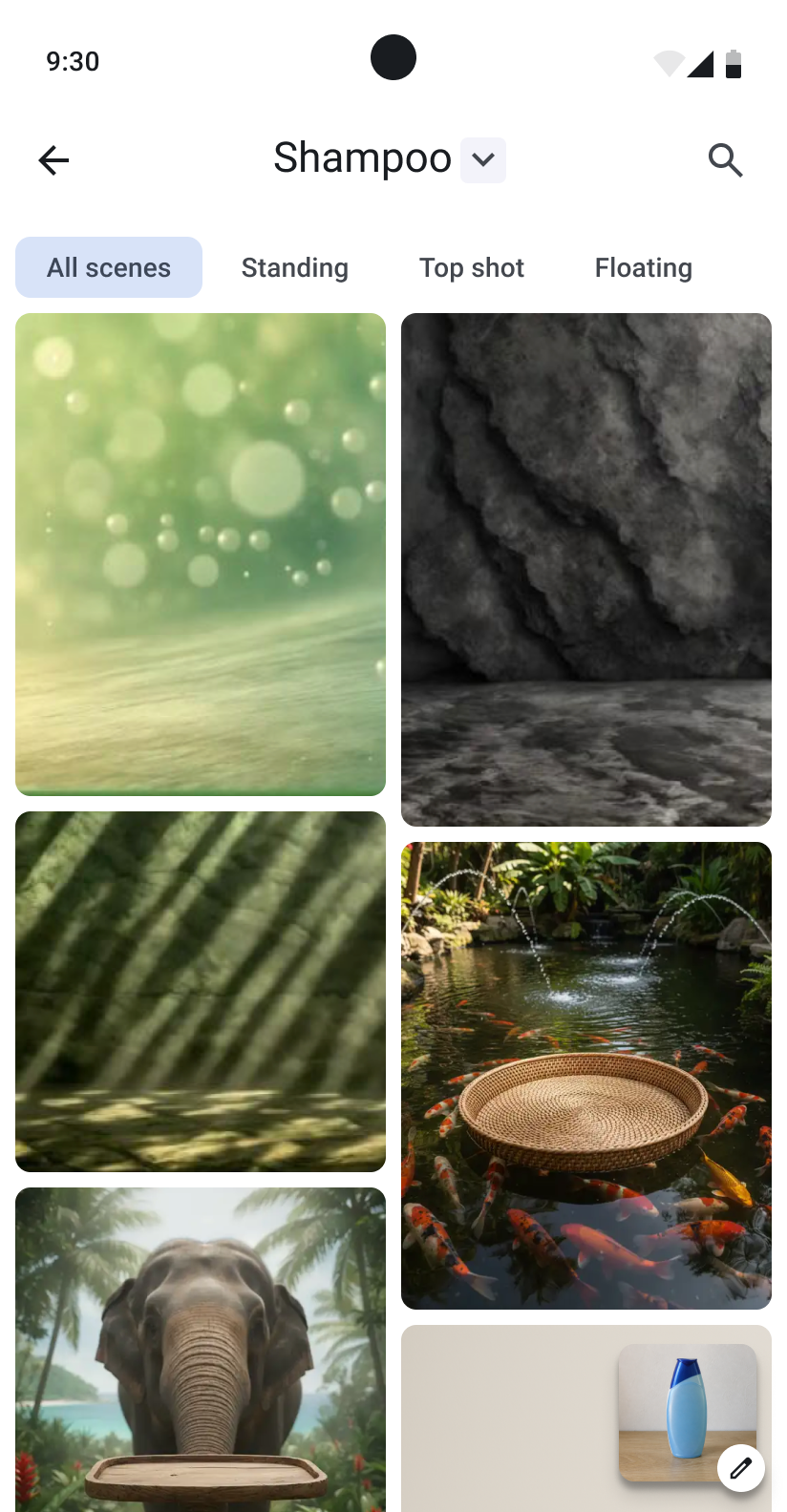
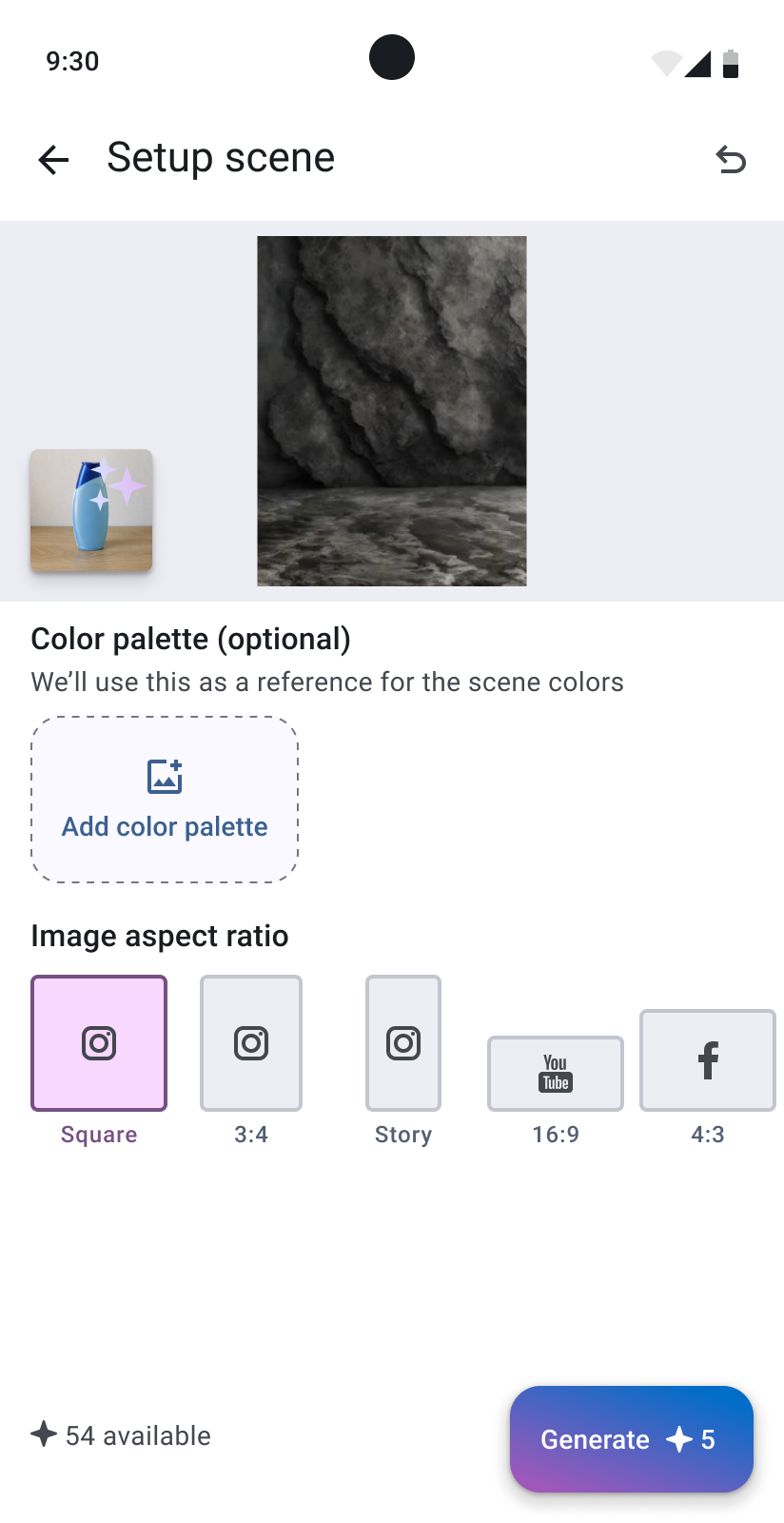
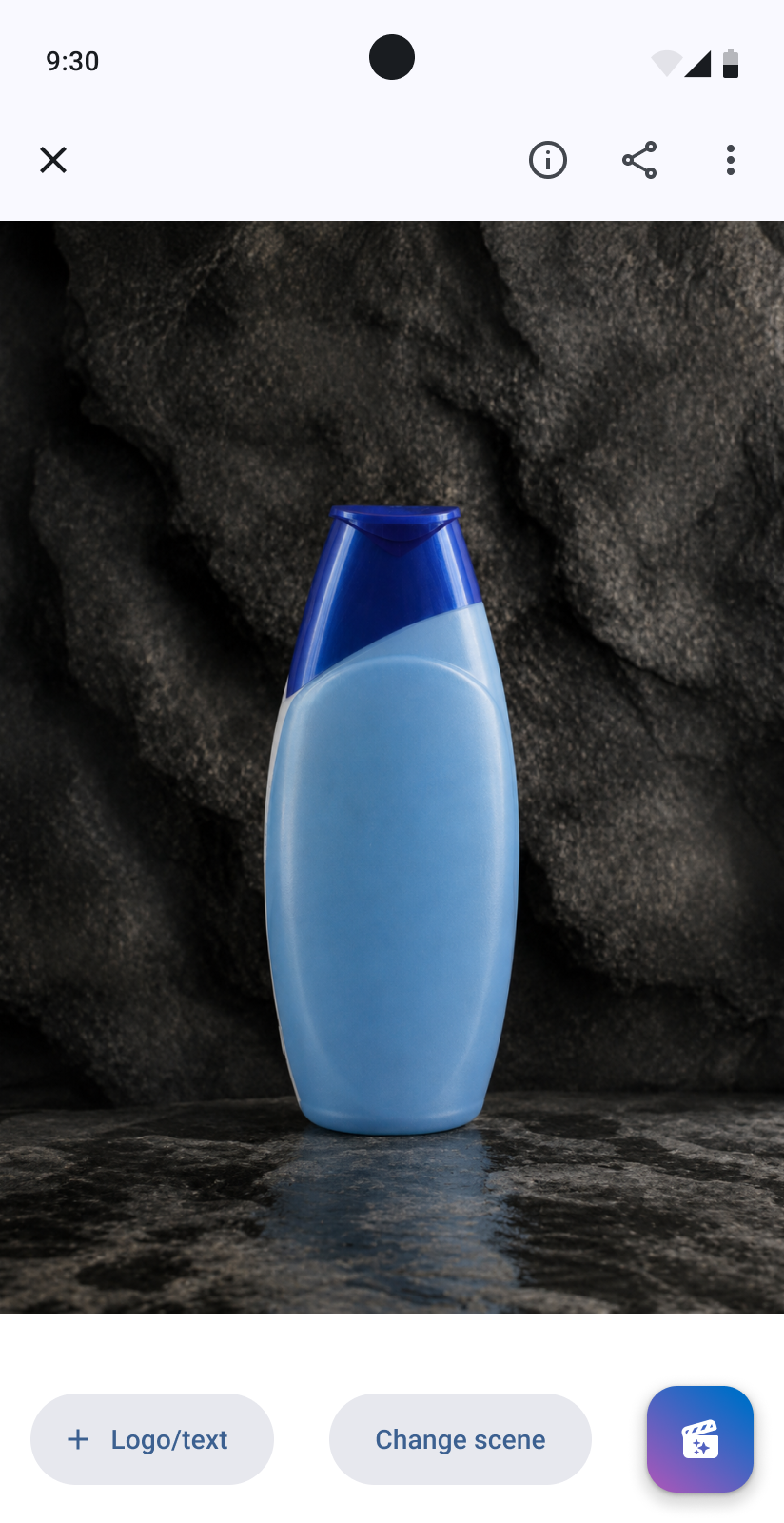
After selecting a scene, the user could change the style, lighting, background, aspect ratio, number of images, and other settings. Scenes with people also included options such as gender, age, and nationality.
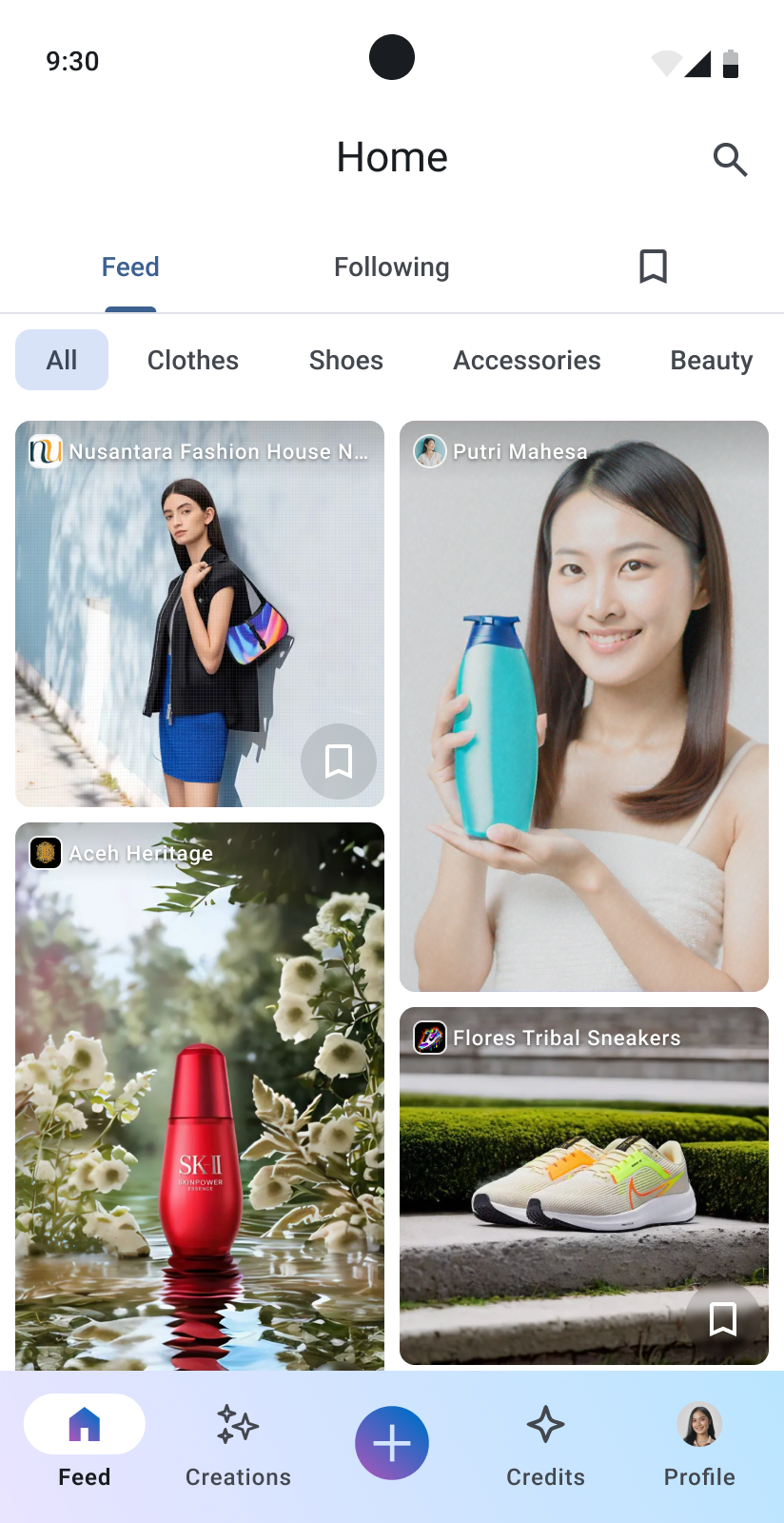
Published images became part of the product catalog and could also appear in the public feed.
Designing the MVP under time limits
Our main limitation was time. The team wanted to release a working cross-platform MVP as quickly as possible. The application was built with React Native.
I decided not to create a design system from the beginning. Instead, I used Google Material as the base.
I kept the standard components, interaction patterns, Roboto font, and Material Icons. The main visual customization was the color palette, with green as the primary color and gold as the secondary color.
This helped me work faster and gave the developers familiar components. It also helped us keep the interface consistent while the product was changing.
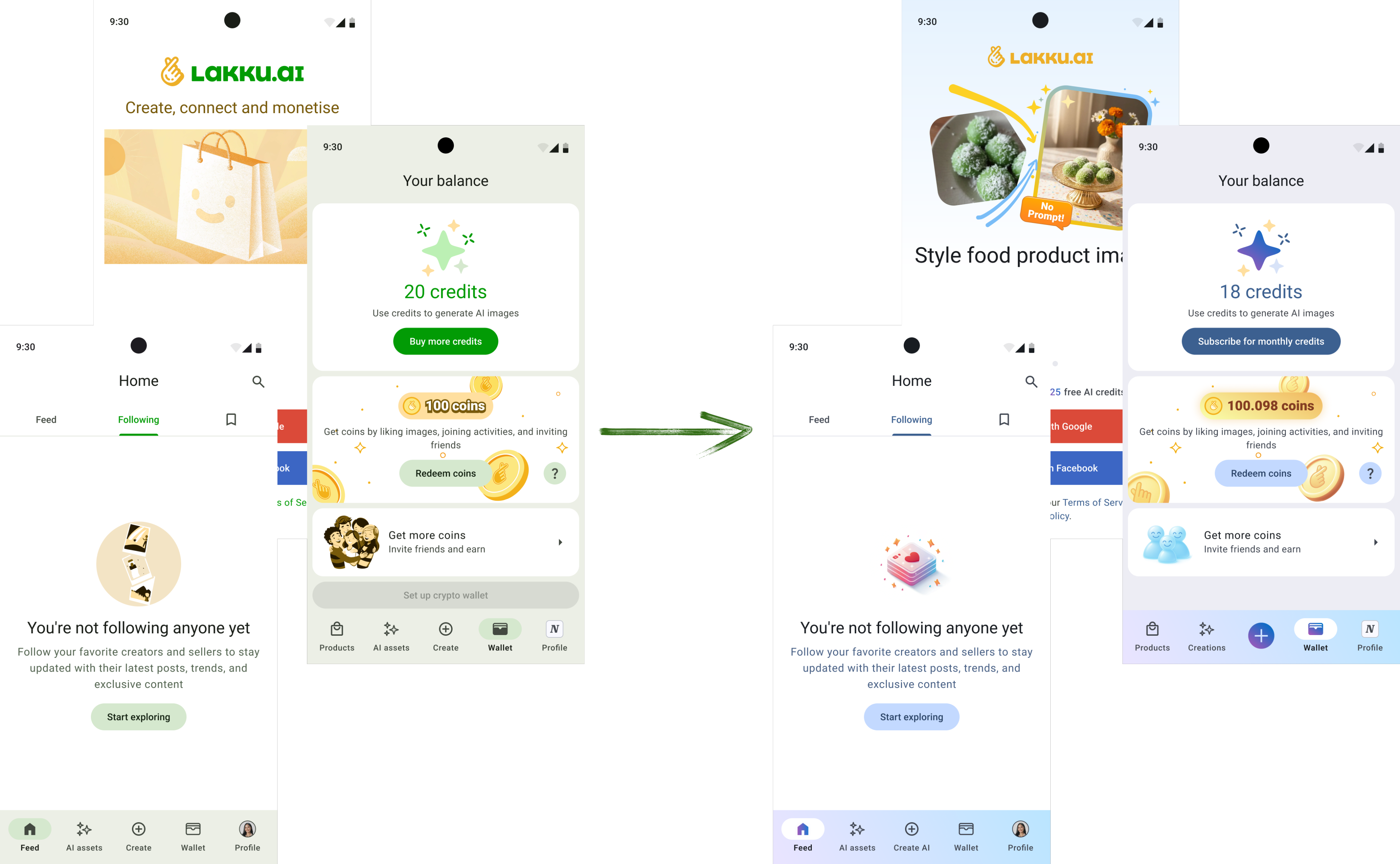
The first interface was functional, but later the team felt that it looked too neutral and dry. I updated the colors, added gradients, and applied a softer gradient style to the illustrations and icons.
We called this visual direction “Techno”. It works in both the light and dark themes. The basic components, typography, and states stayed the same, so we could change the visual character without rebuilding the full design system.
What we learned after launch
A release-ready version was completed in early spring 2025. The team originally planned a larger marketing campaign, but the available budget was not enough for a safe large-scale launch.
We released the product with more limited promotion. People started using the application, and the team collected feedback through support requests, tests, surveys, Google Analytics, and Grafana.
The team saw that the transition from a regular user to a seller was weak. Users did not always understand why the application had two roles or how they could start creating images. The catalog was also not used as much as expected.
To create one image, a user first had to understand the seller role, create a seller profile, create a product, and then find the generation tool inside the product. The product was asking users to understand our business model before they could try its main feature.
Simplifying the architecture
The team decided to gradually remove the separate seller role and focus the product on content creation.
The old flow looked like this:
Seller profile > Catalog > Product > Create images > Drafts > Publish
The new flow became:
Create > Select an AI tool > Generate > Creations > Optional post
We added a central Create action to the main navigation. A user could upload a product image directly, and Lakku could detect its category and suggest suitable scenes.
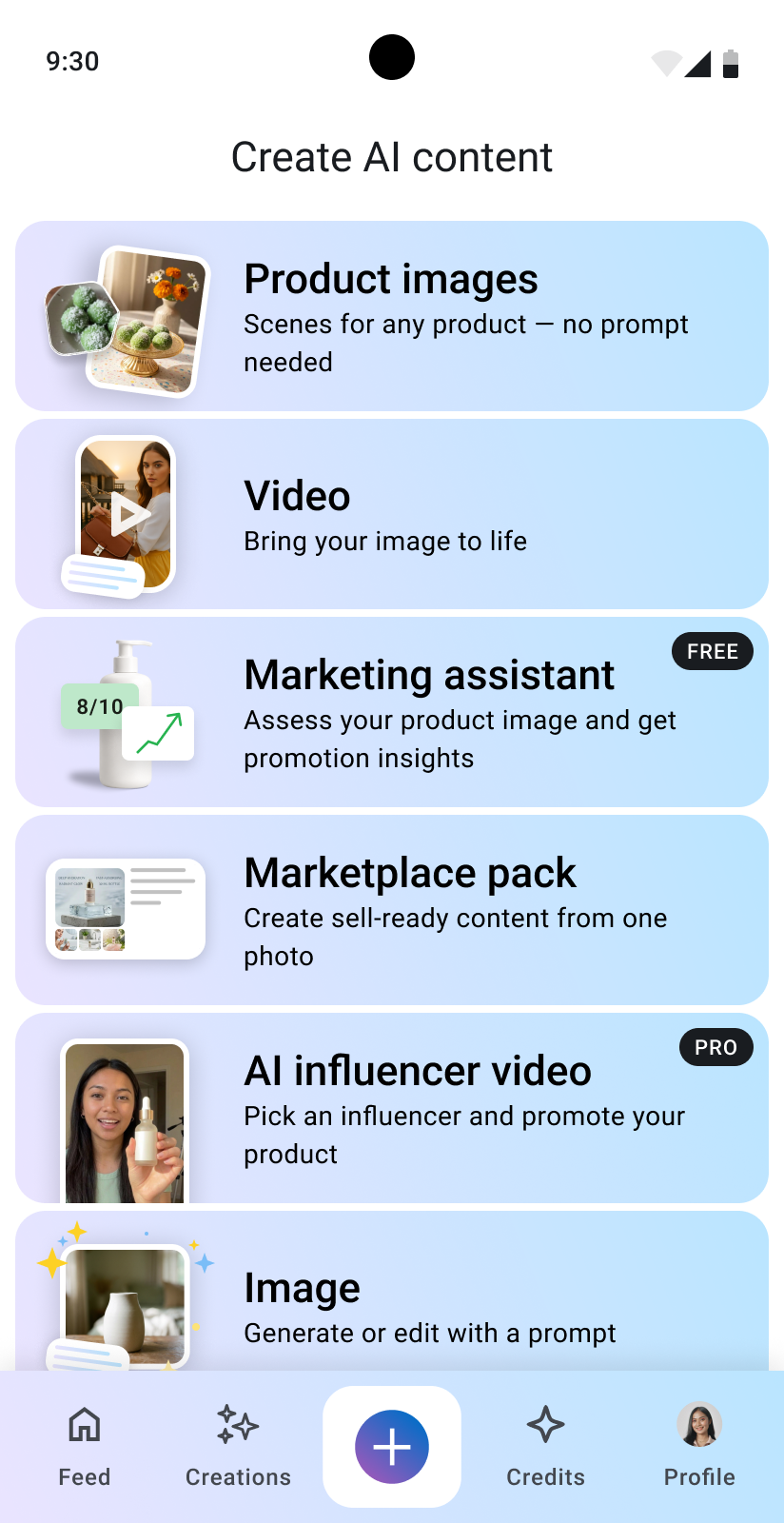
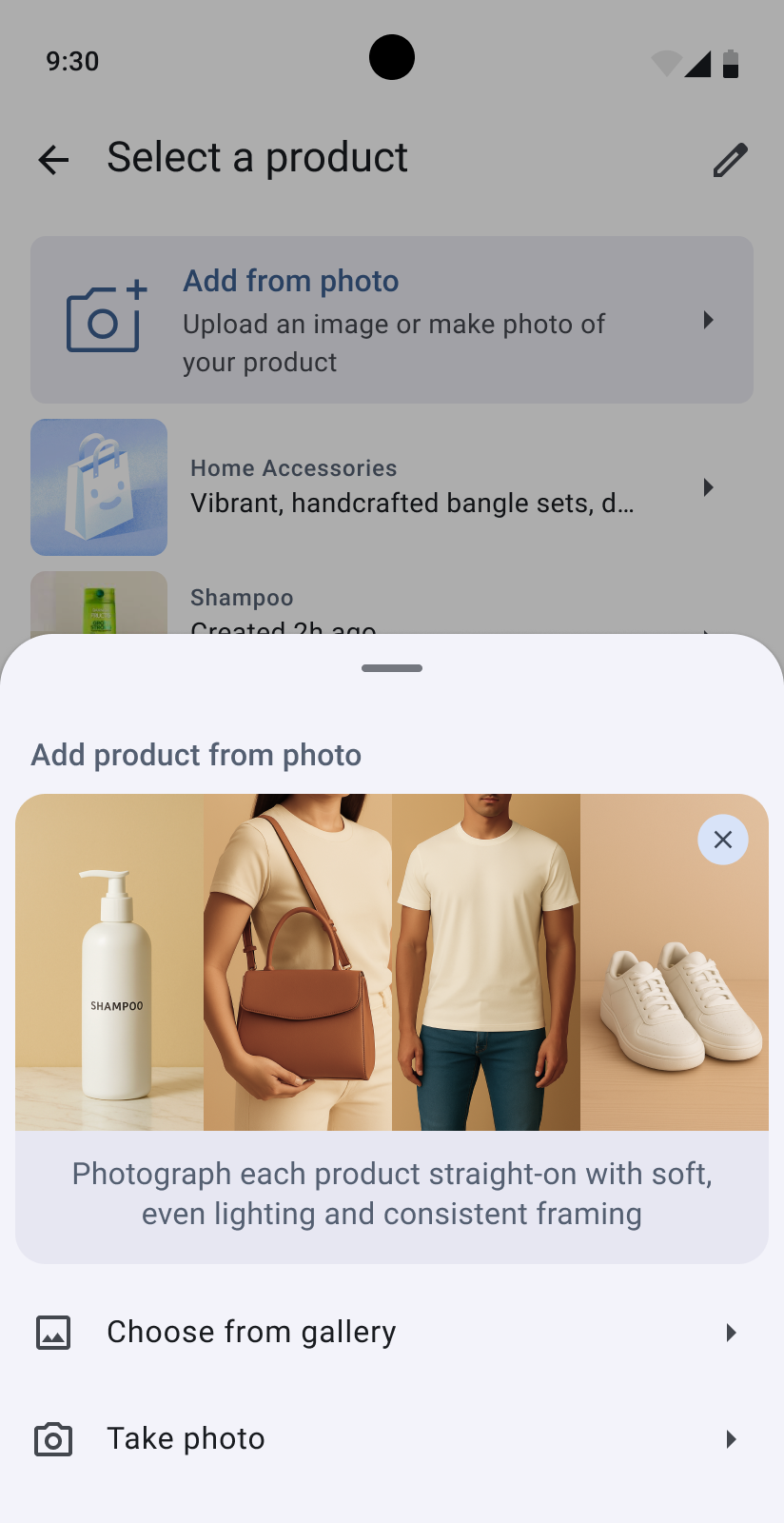
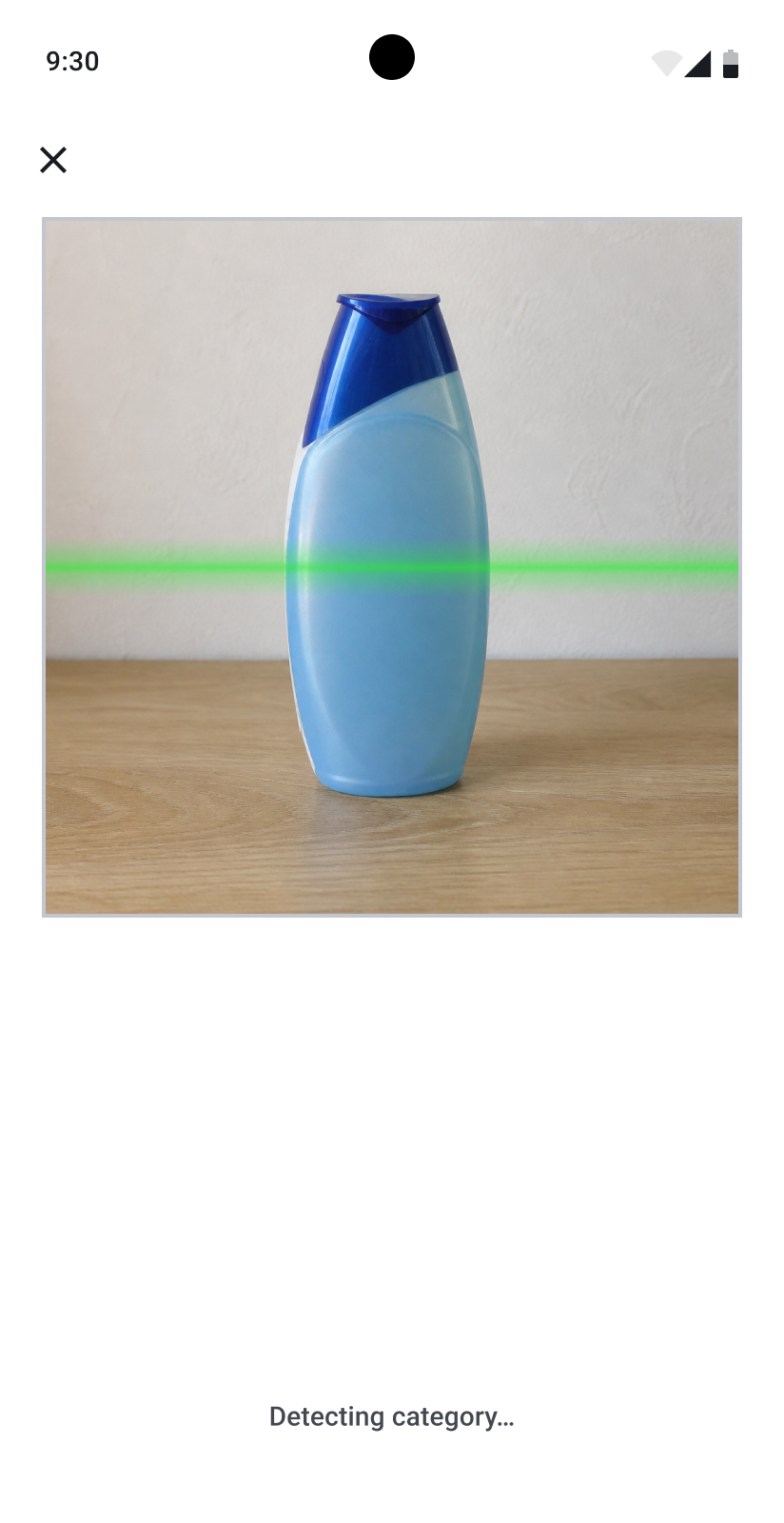
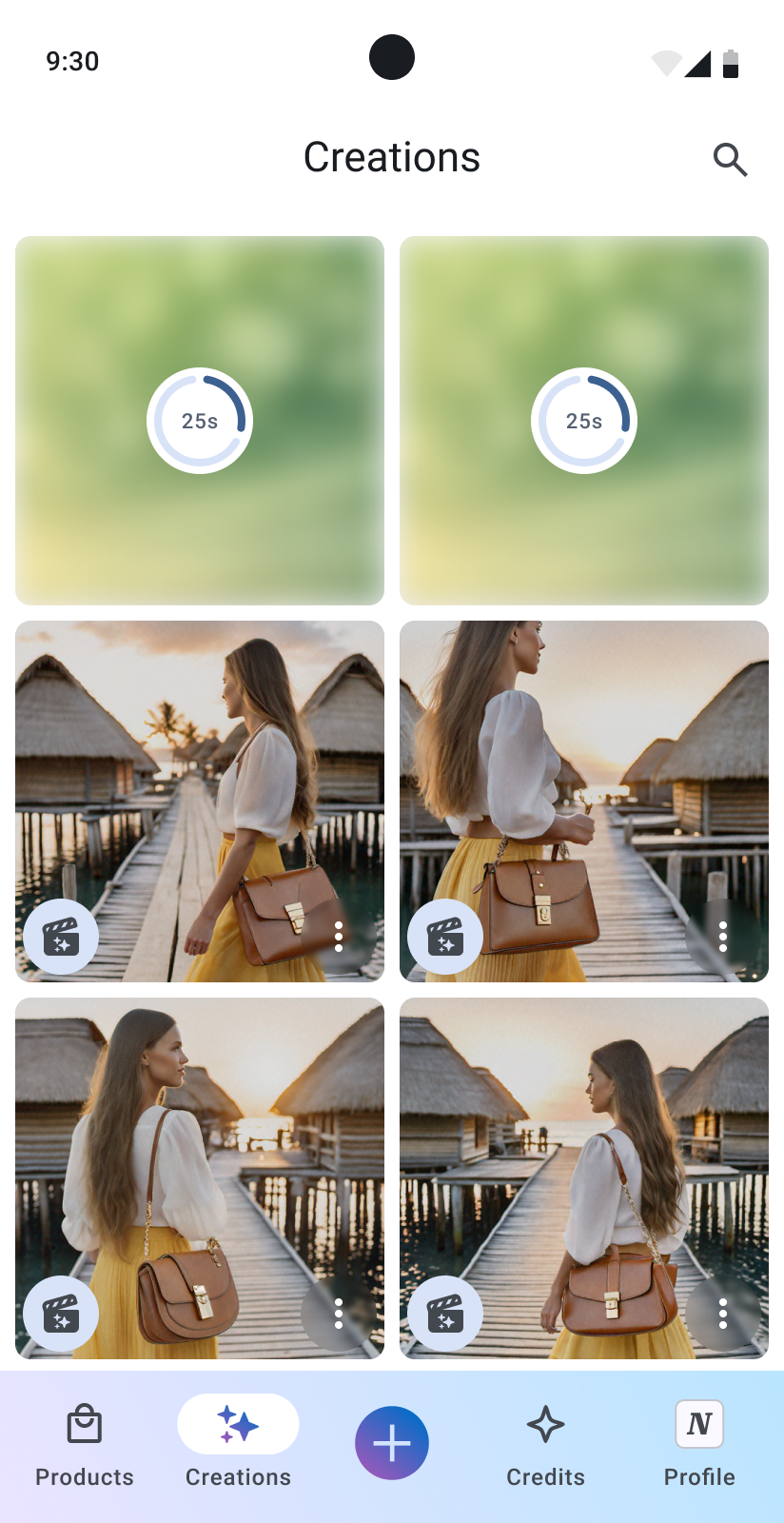
The results were saved in a separate Creations section. Generated content stayed private until the user decided to create a public post.
This also separated two different user intentions:
- creating and managing AI content;
- publishing content for other people.
The new structure also made it easier to add other AI tools, such as videos, Marketplace Packs, Marketing Assistant, and AI Influencer Video.
Growing into a marketing toolkit
Once content creation was no longer tied to a seller profile or product catalog, we could organize Lakku around specific marketing tasks.
The central Create screen became an entry point to a growing set of AI tools. Some tools generated content directly, while others helped users prepare their products for promotion and online sales.
Marketing assistant
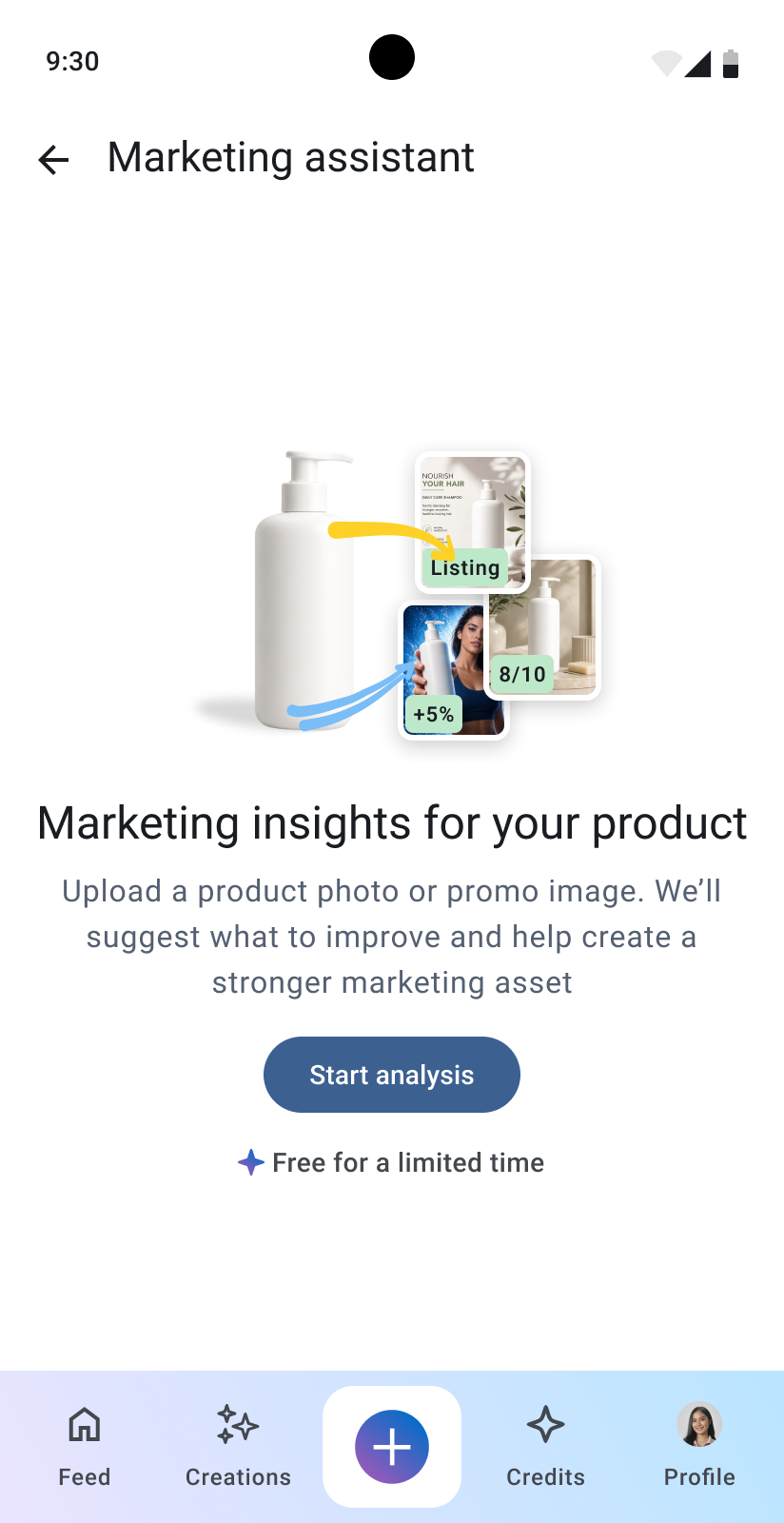
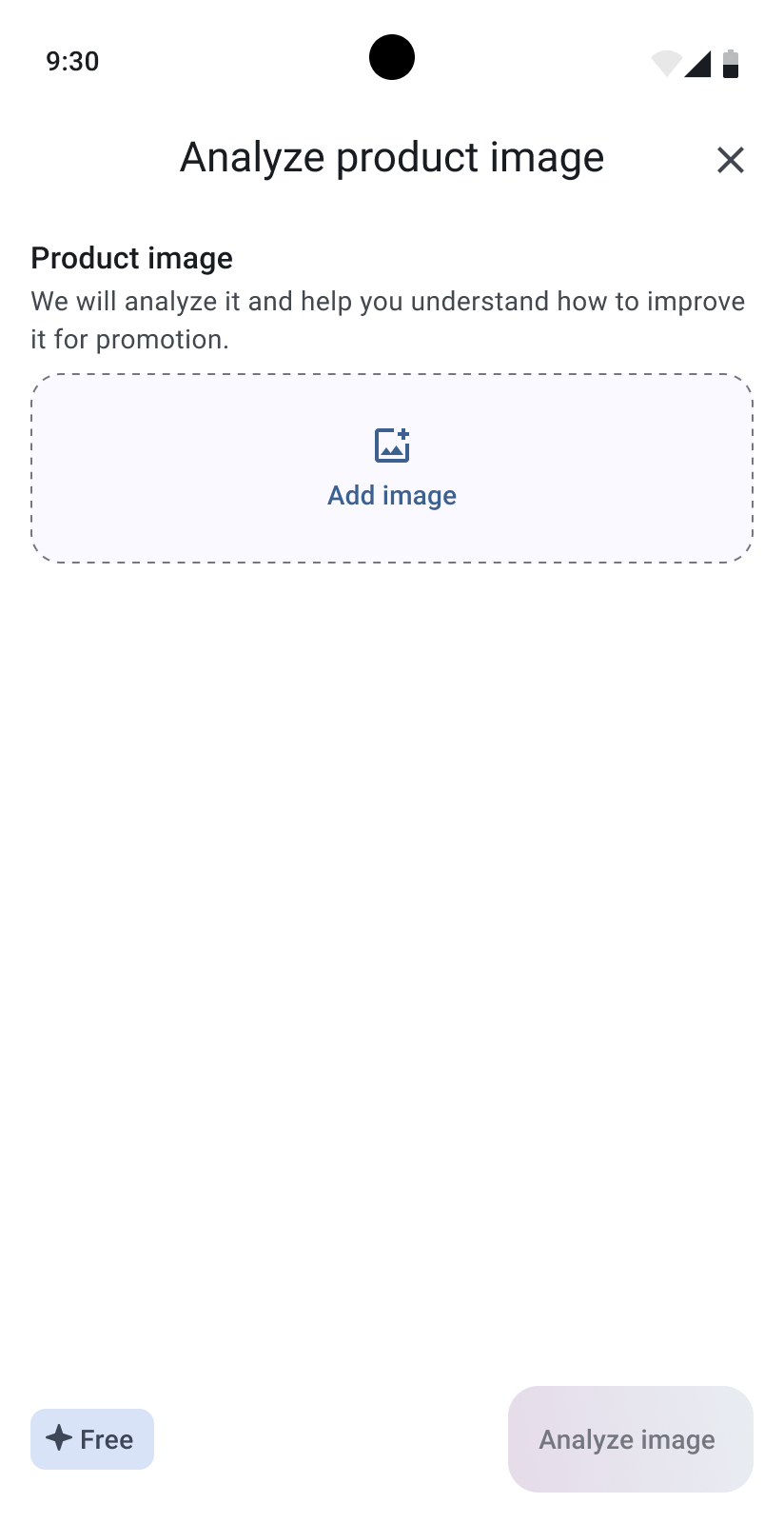
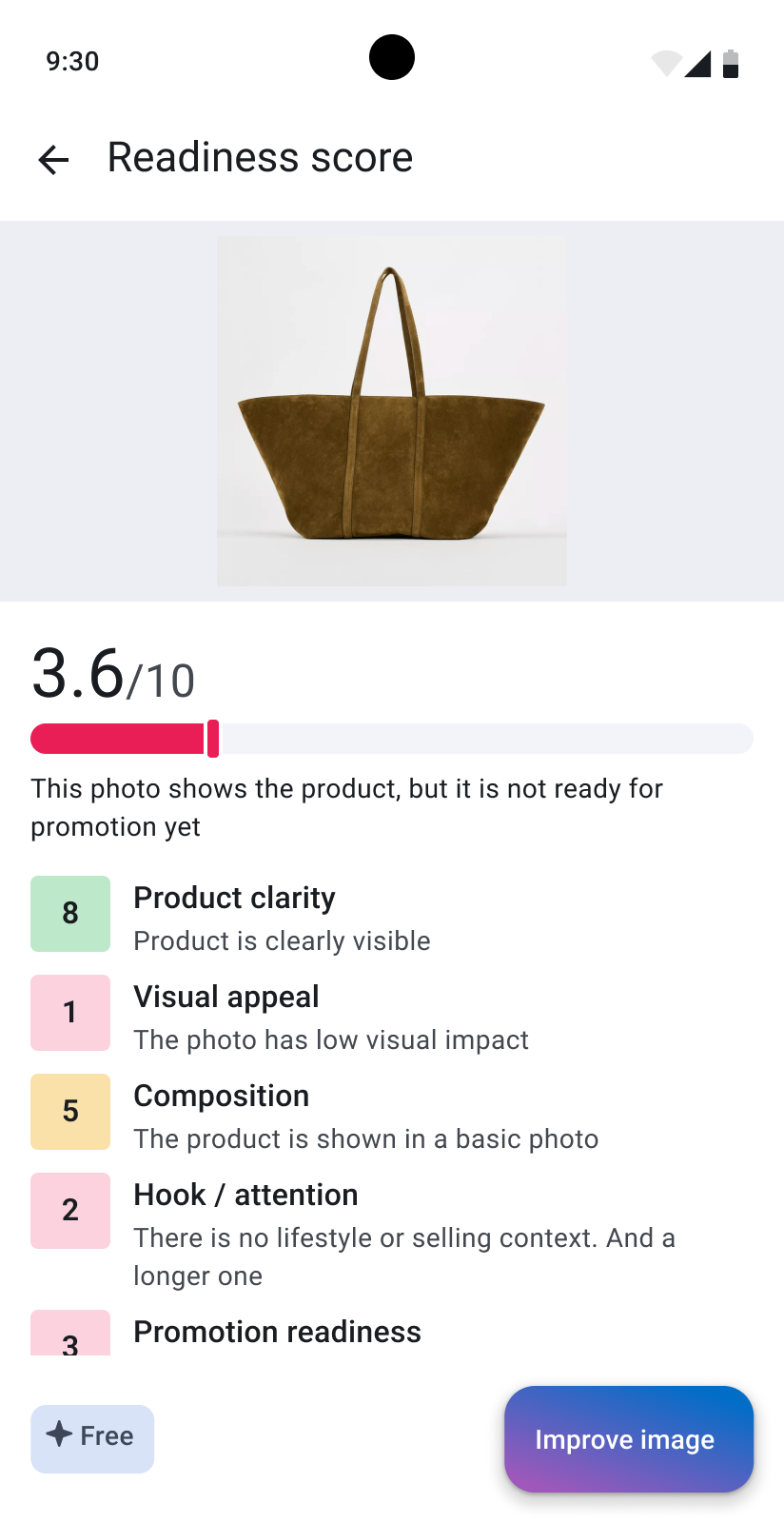
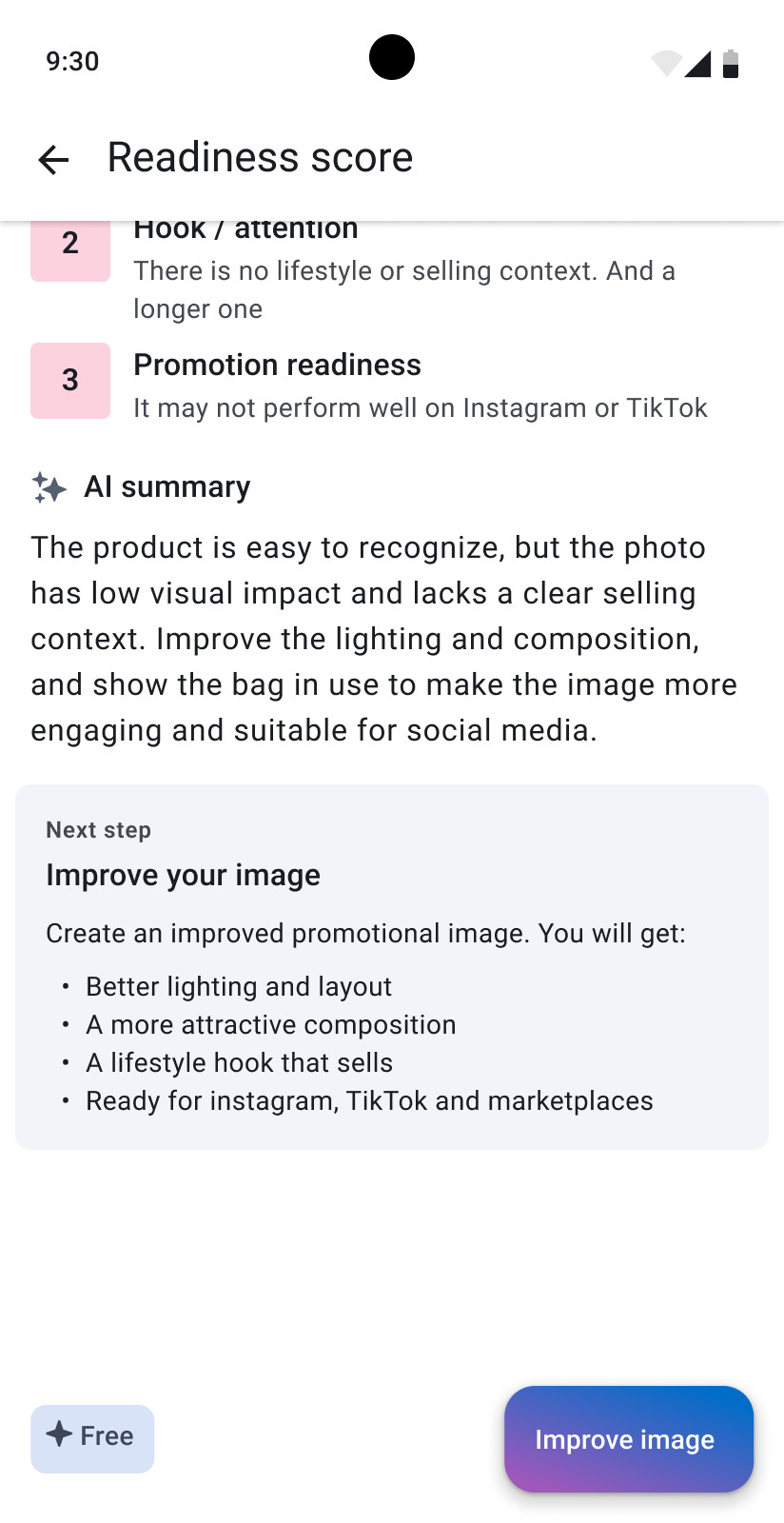
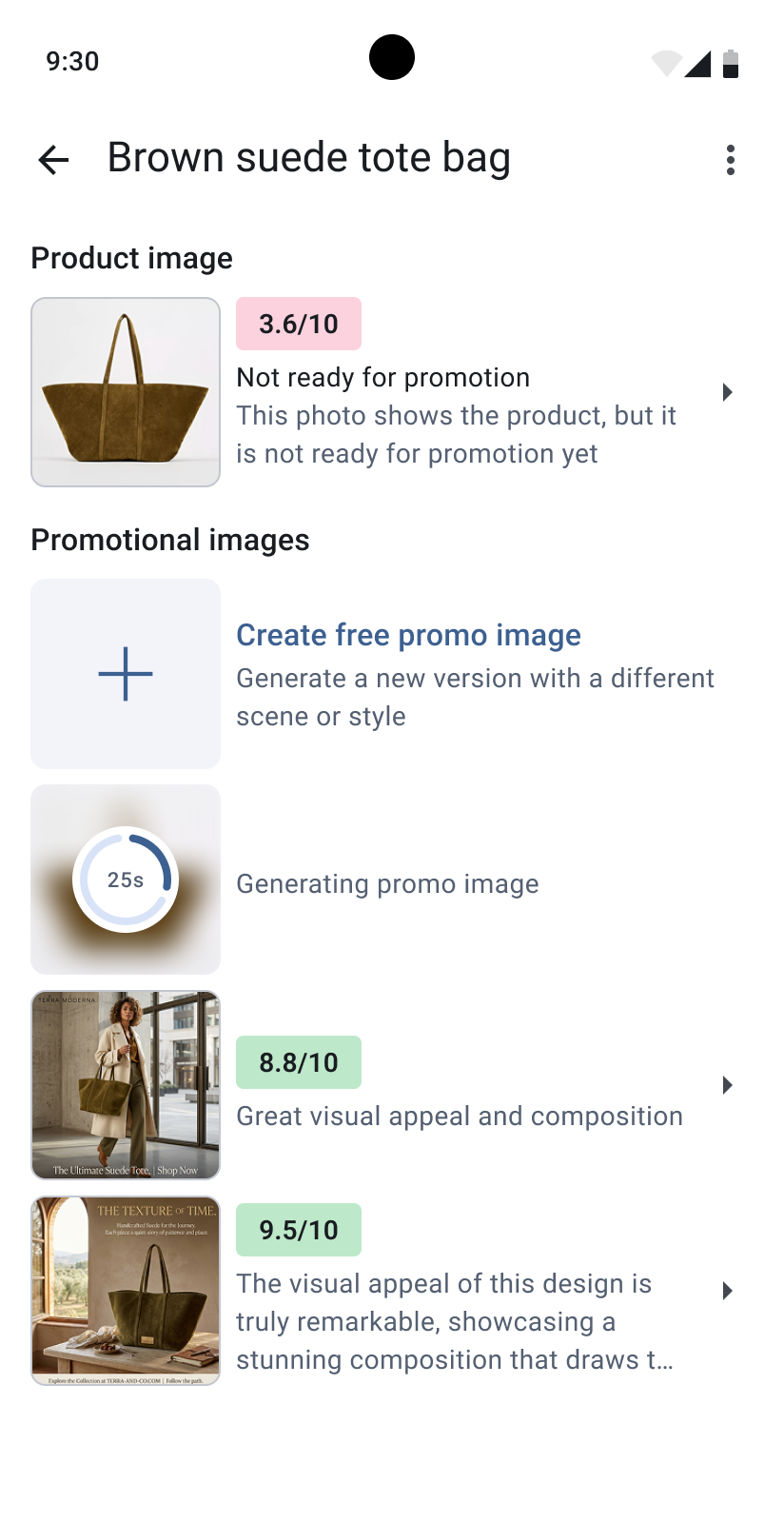
Marketing Assistant analyzes a product photo and scores its product clarity, visual appeal, composition, attention hook, and promotion readiness.
It explains what could be improved, recommends suitable marketing channels, and helps the user generate a stronger promotional image.
Marketplace pack
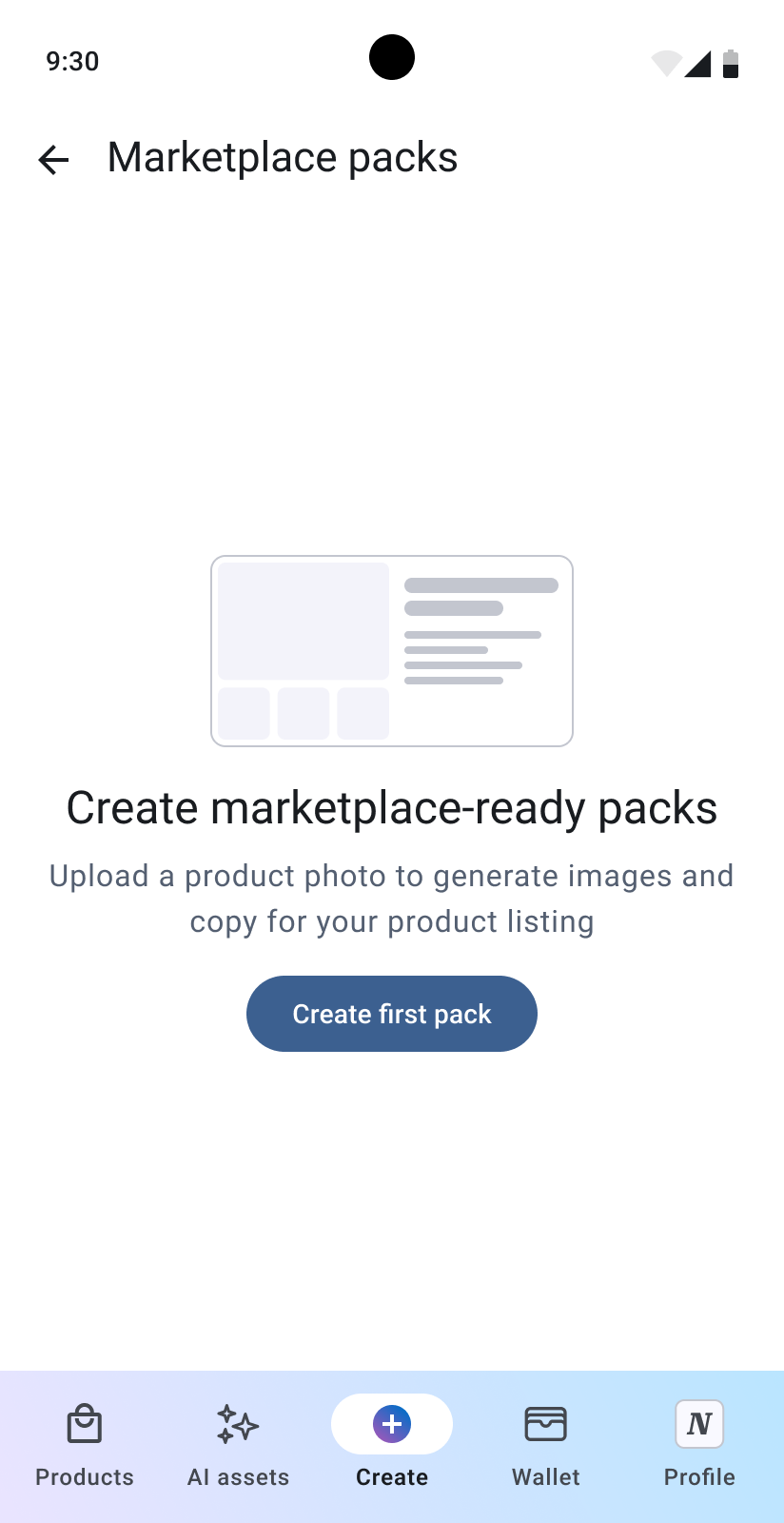
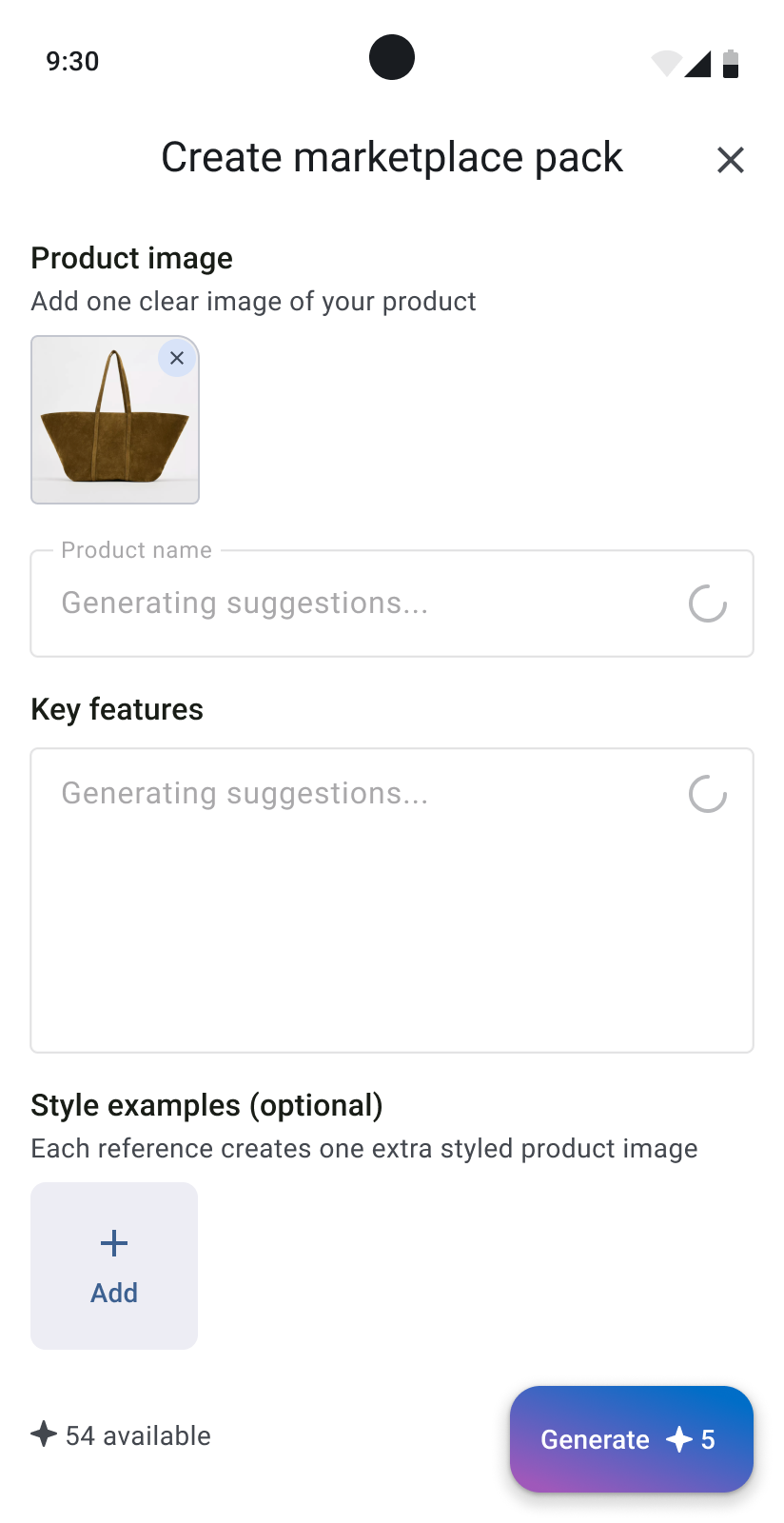
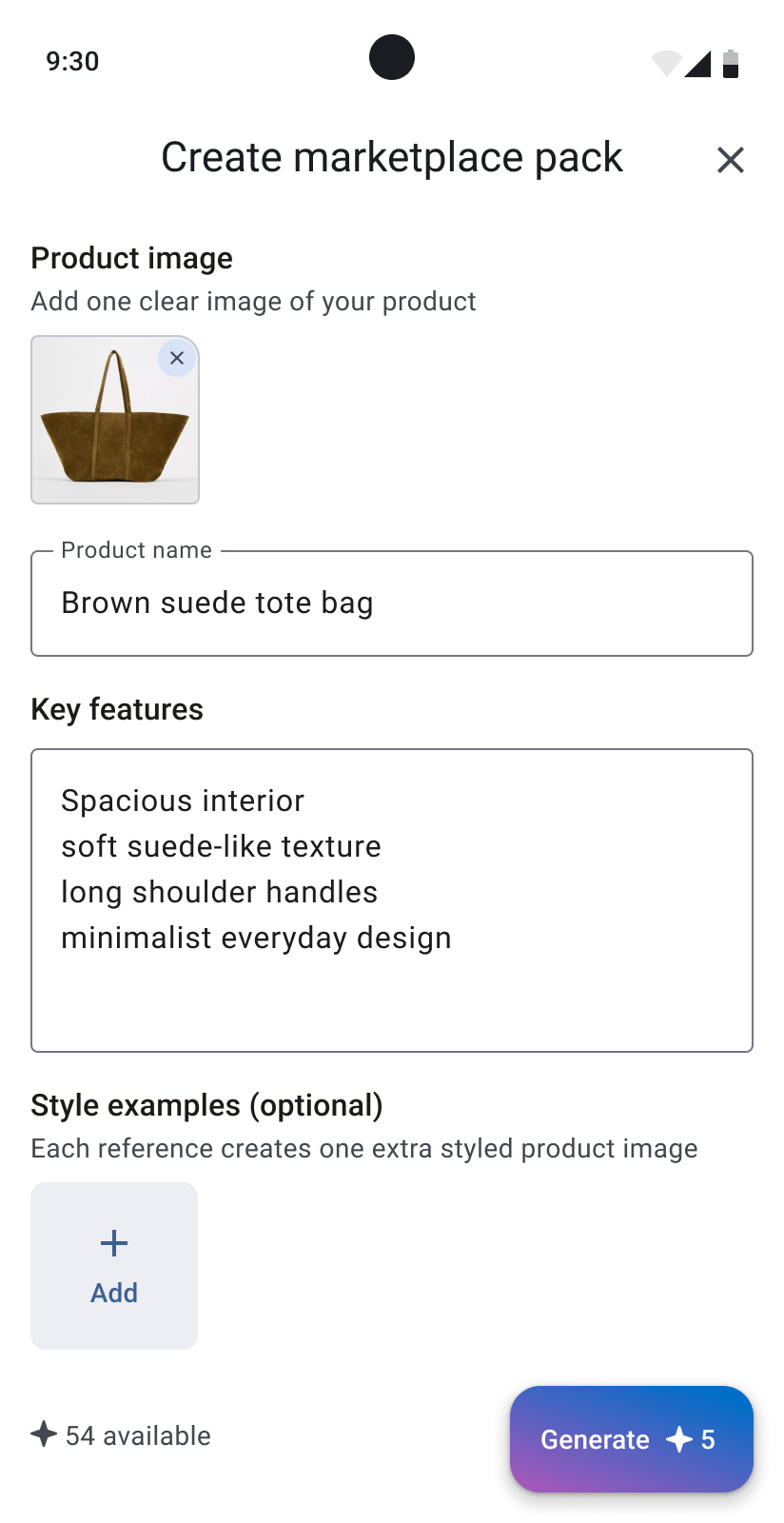
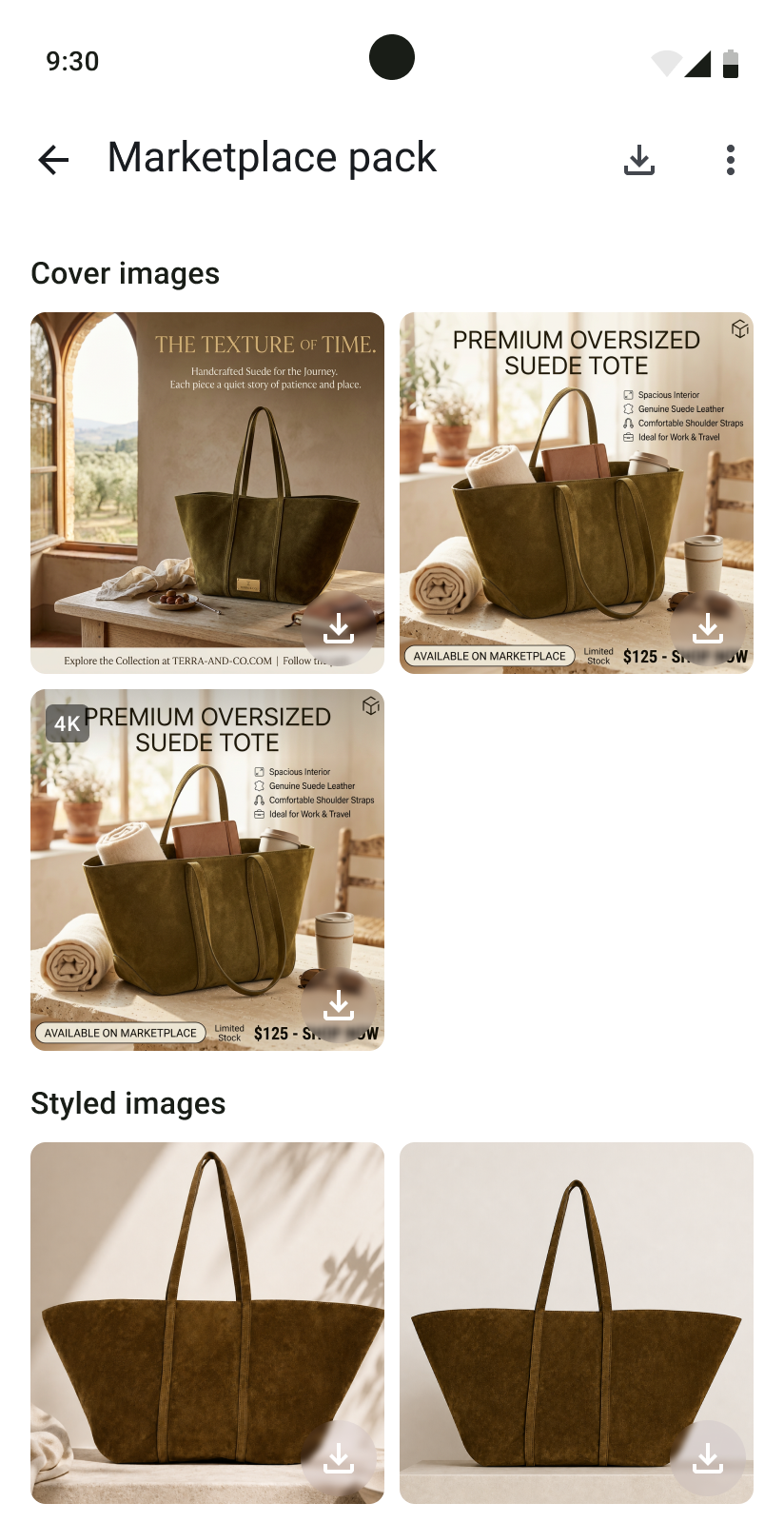
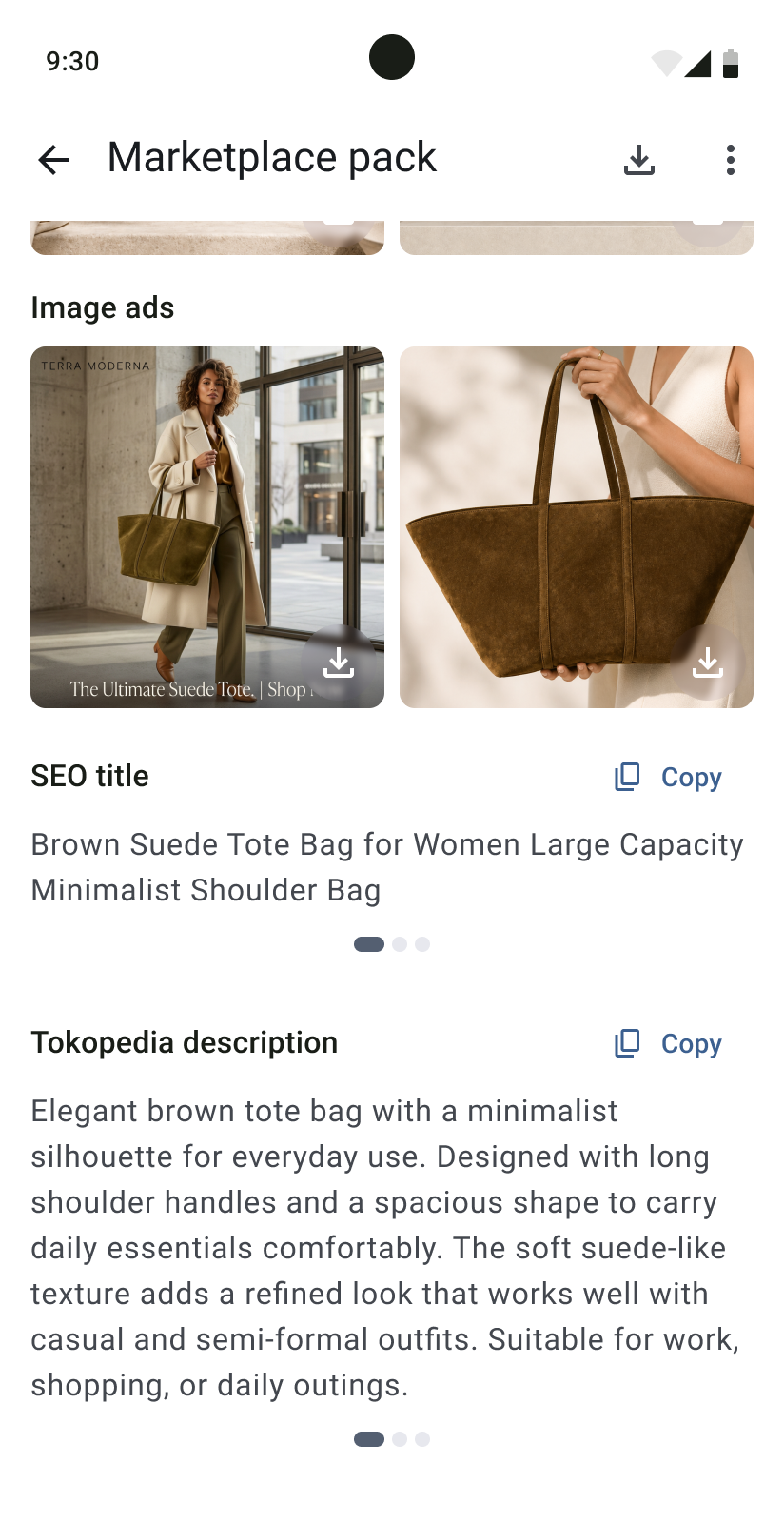
Marketplace Pack turns one product photo into a set of materials for online selling. It generates cover images, styled product images, image ads, an SEO title, and descriptions adapted for marketplaces such as Tokopedia and Shopee.
AI influencer video
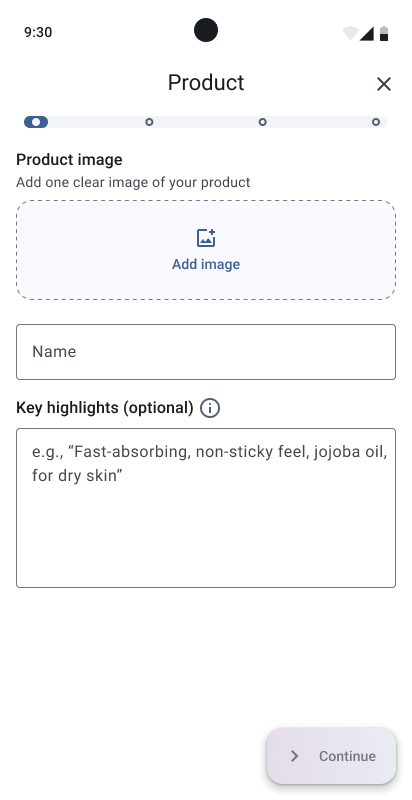
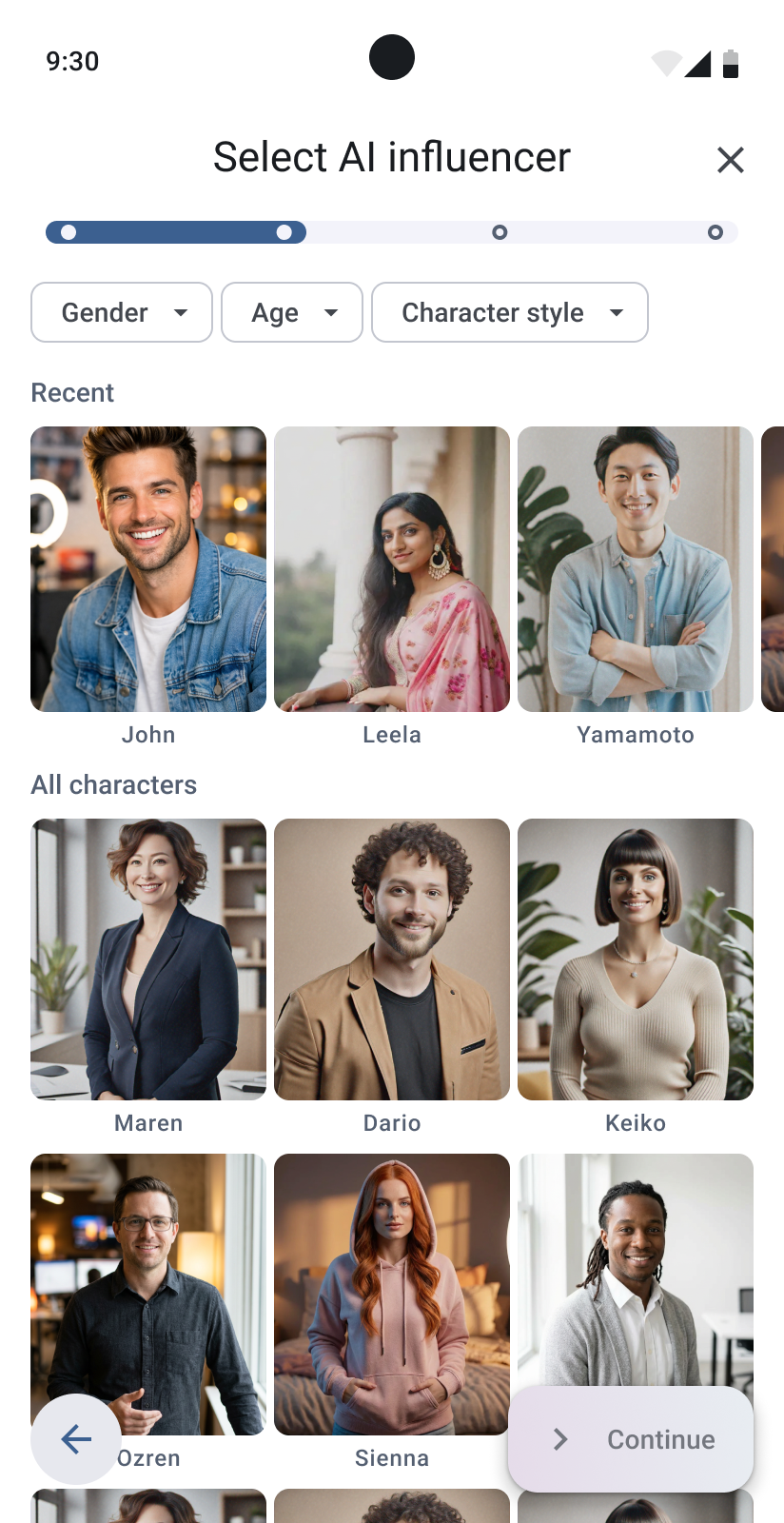
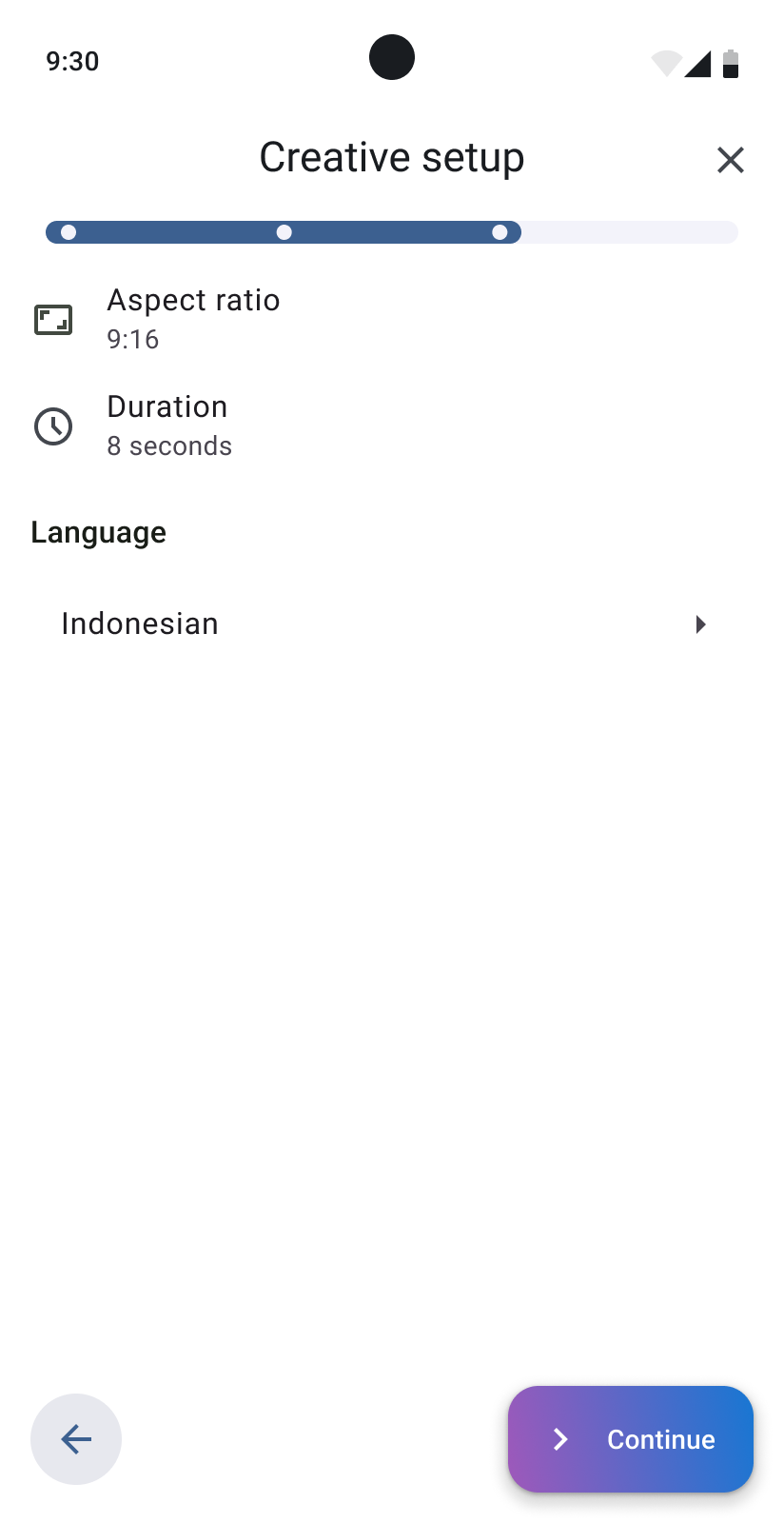
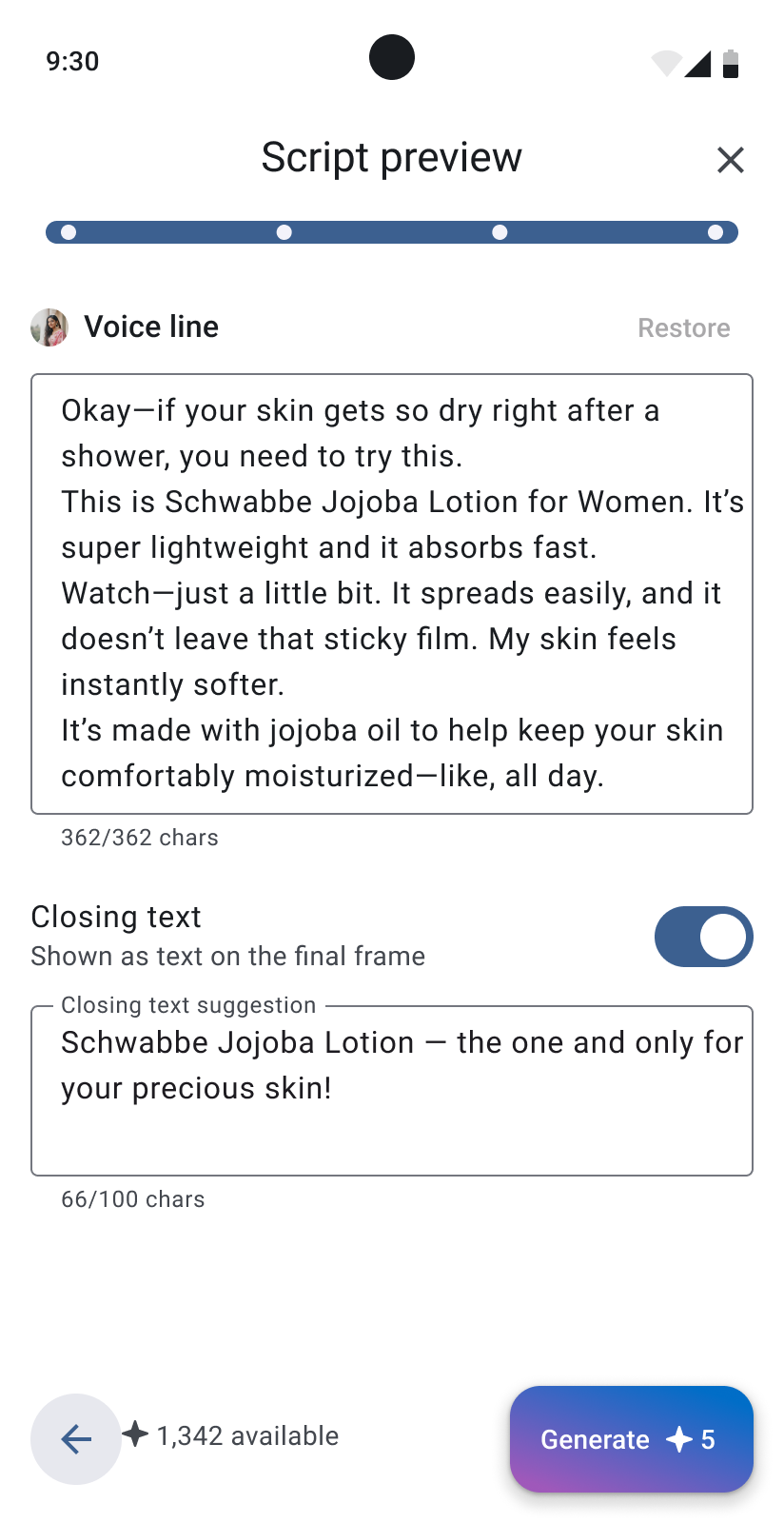
AI Influencer Video helps a business create a creator-style advertisement without hiring an actor or recording a studio video.
The user adds a product, selects an AI influencer, reviews the generated script and closing text, and creates a short promotional video.

Outcome
Lakku moved from a basic technical prototype to a released product with real users and active subscriptions.
The team tested different monetization approaches. At first, users could buy fixed credit packages. Later, the product moved towards a subscription model.
The product is still running, but active development and marketing are currently paused. The reasons for the limited growth are not fully clear. Price, market choice, positioning, acquisition costs, and product complexity are possible explanations, but we did not complete enough research to confirm one main reason.
For this reason, I do not present Lakku as a simple success story. It was a long product process with research, difficult decisions, unsuccessful assumptions, and several major changes.