My contribution
I conducted a 20-question survey with 44 employees across Japan and India to understand how they write reports, exchange feedback and find information. I translated the findings into product architecture, simpler reporting flows and detailed desktop and mobile interfaces, then worked with developers through implementation review.
- Overall satisfaction
- 3.9 → 4.5 / 5
- Search ease
- 3.3 → 4.7 / 5
How CrossCom works
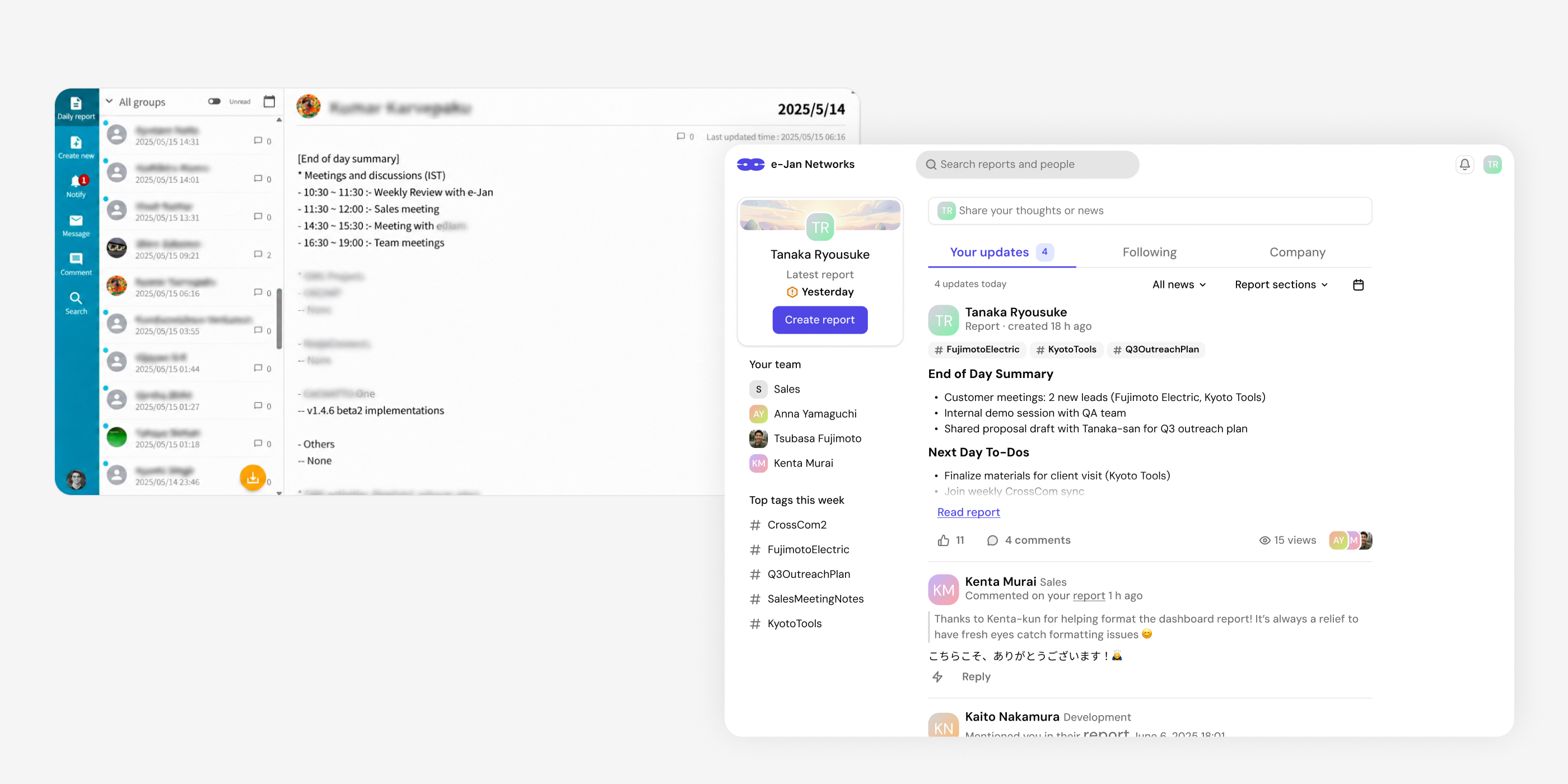
Employees publish a daily report about completed work, next steps, issues and appreciation. Colleagues read updates, react and discuss specific points. These reports also build a shared record of projects and decisions. The redesign connects this routine across report creation, feedback and finding past information.
Make reports easier to start and finish
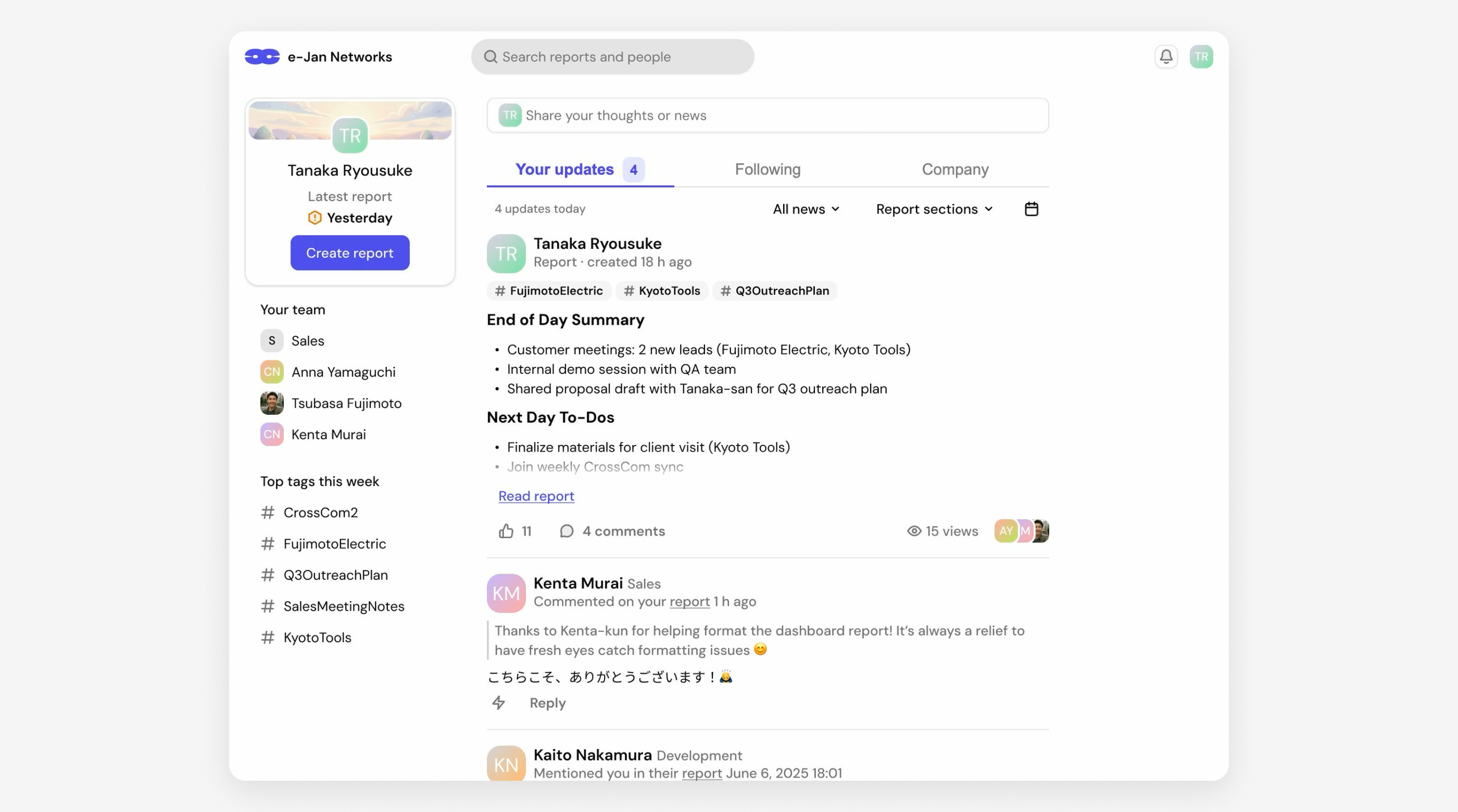
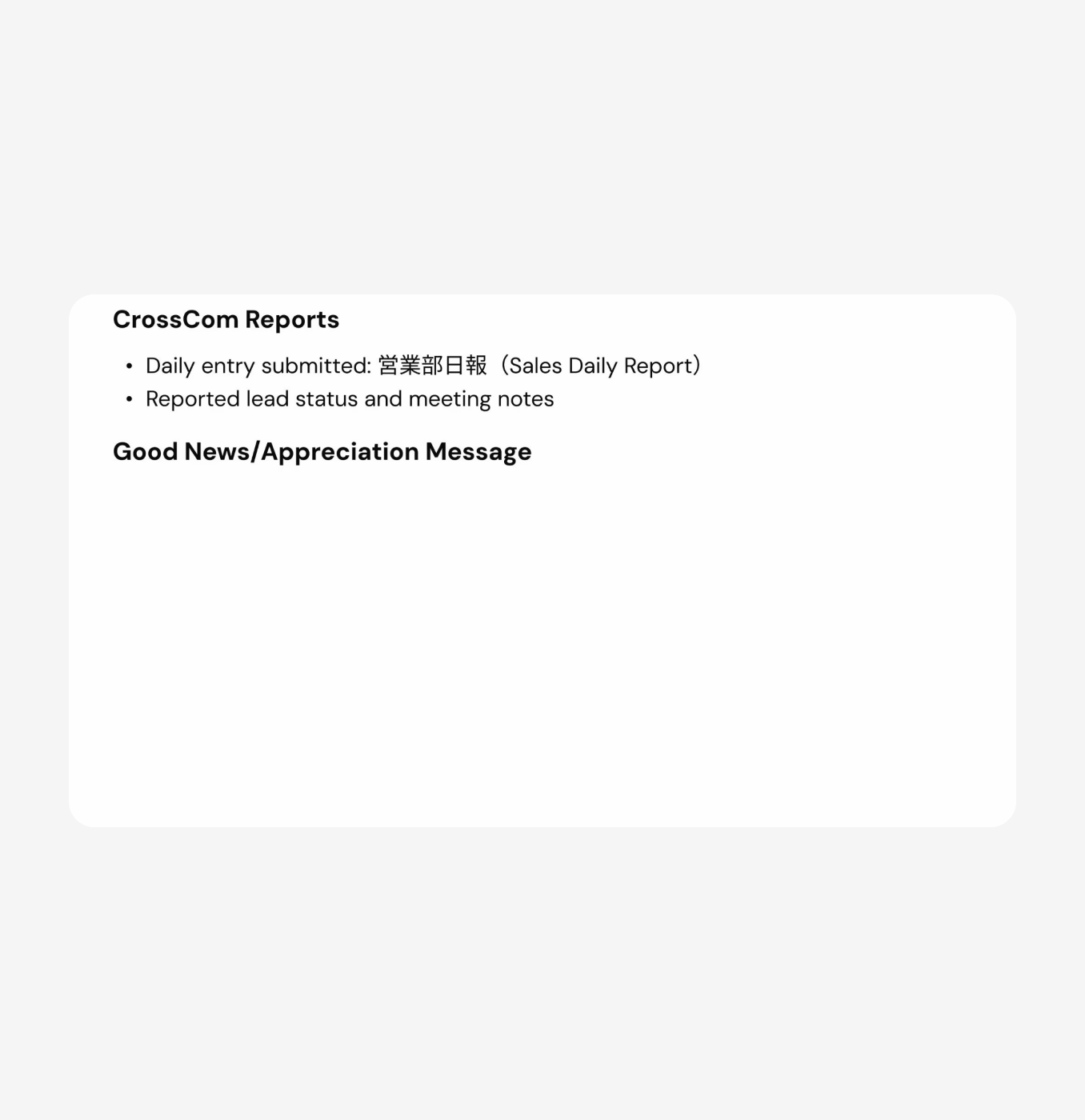
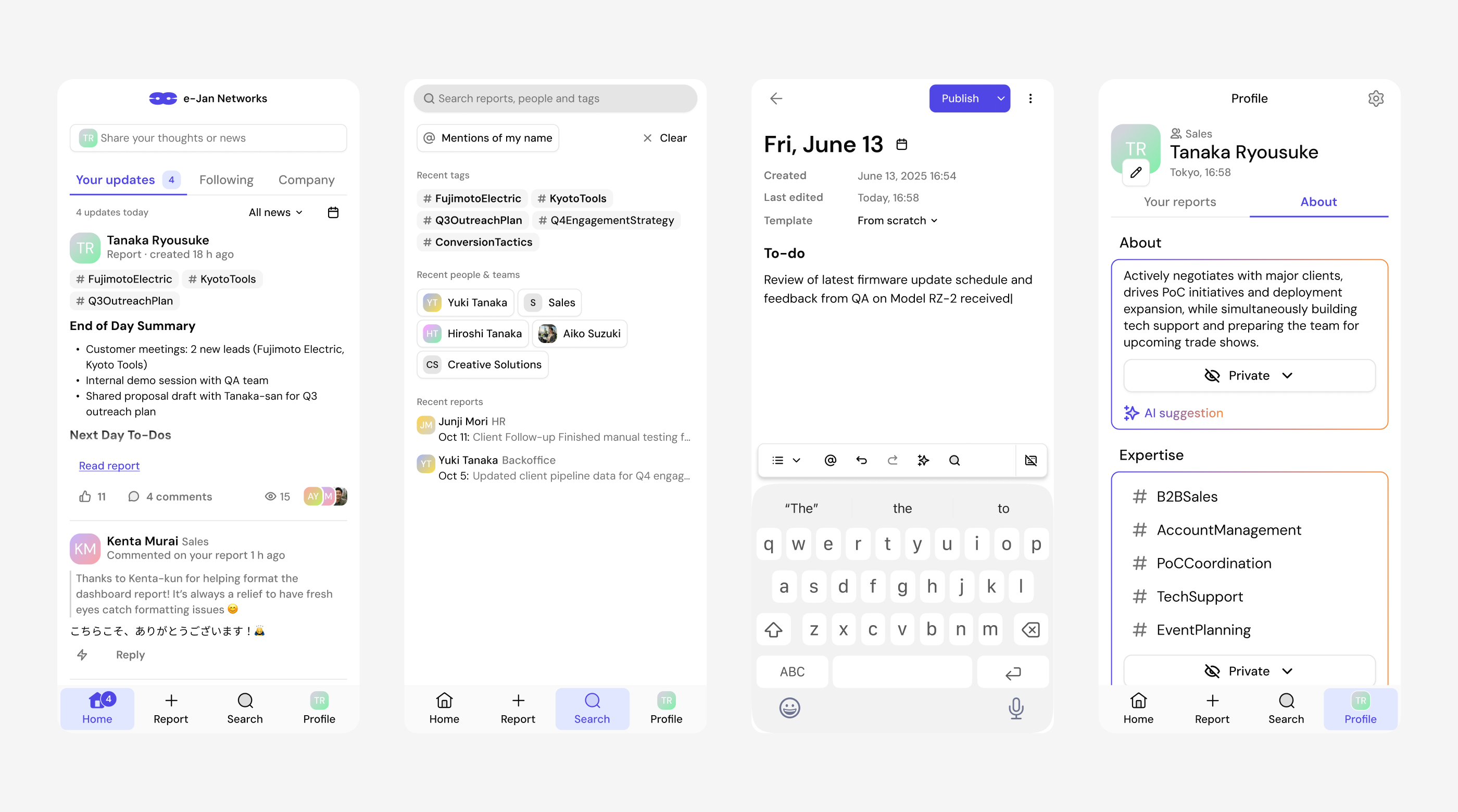
In the employee survey, 45% identified the report format as an area for improvement. I designed several starting points, reusable templates and autosave, with a structured editor for mentions and attachments. For Good News / Appreciation — the section 48% found hardest to complete — I explored optional AI suggestions that employees could review and complete.
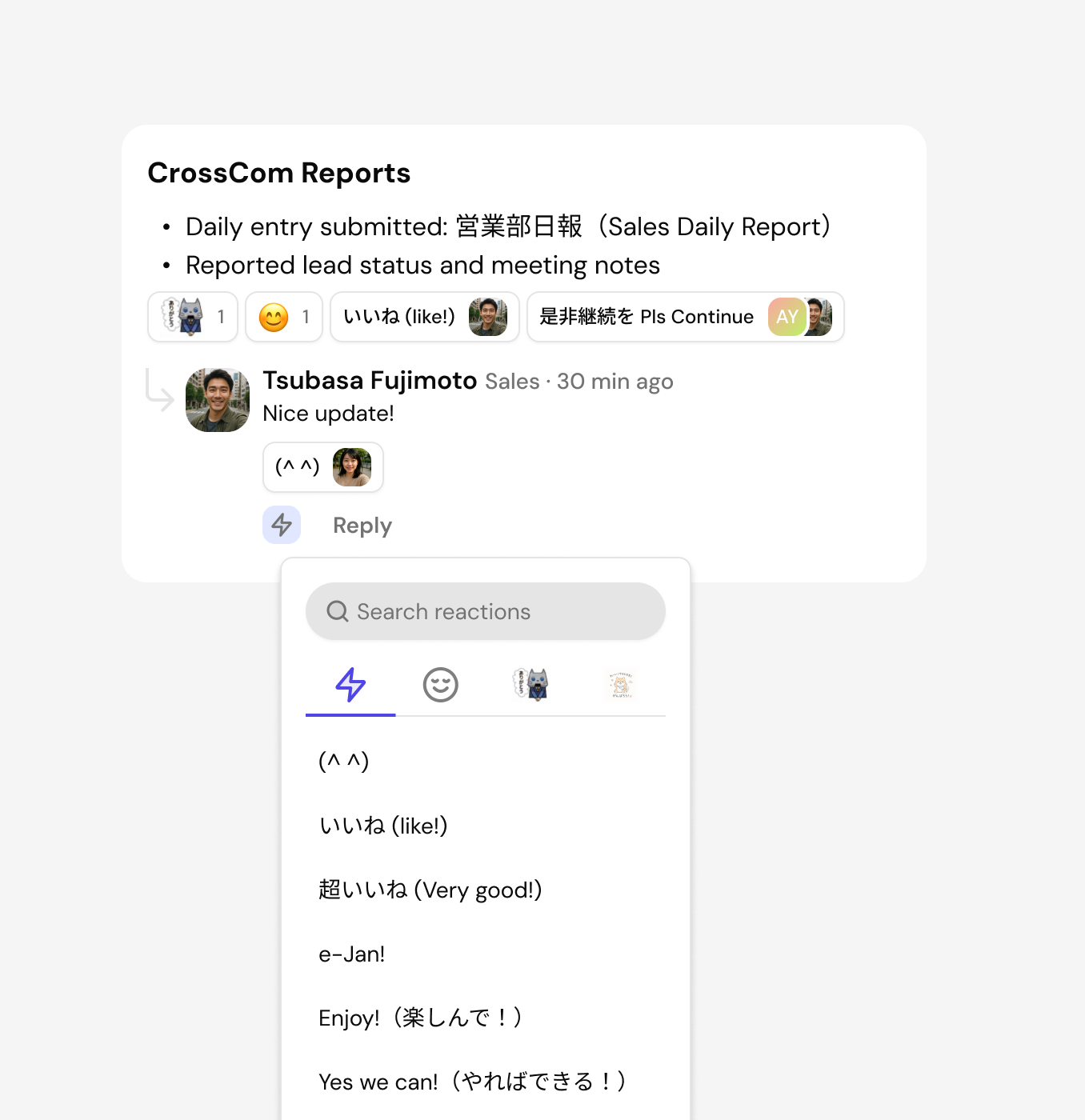
Keep feedback close to the work
Employees valued feedback, but recognition and discussion were inconsistent. I designed reactions to reports, selected text and comments, alongside inline replies and quick responses. The goal was to let colleagues acknowledge useful work and discuss the relevant detail while reading the report.
Make past work easier to find
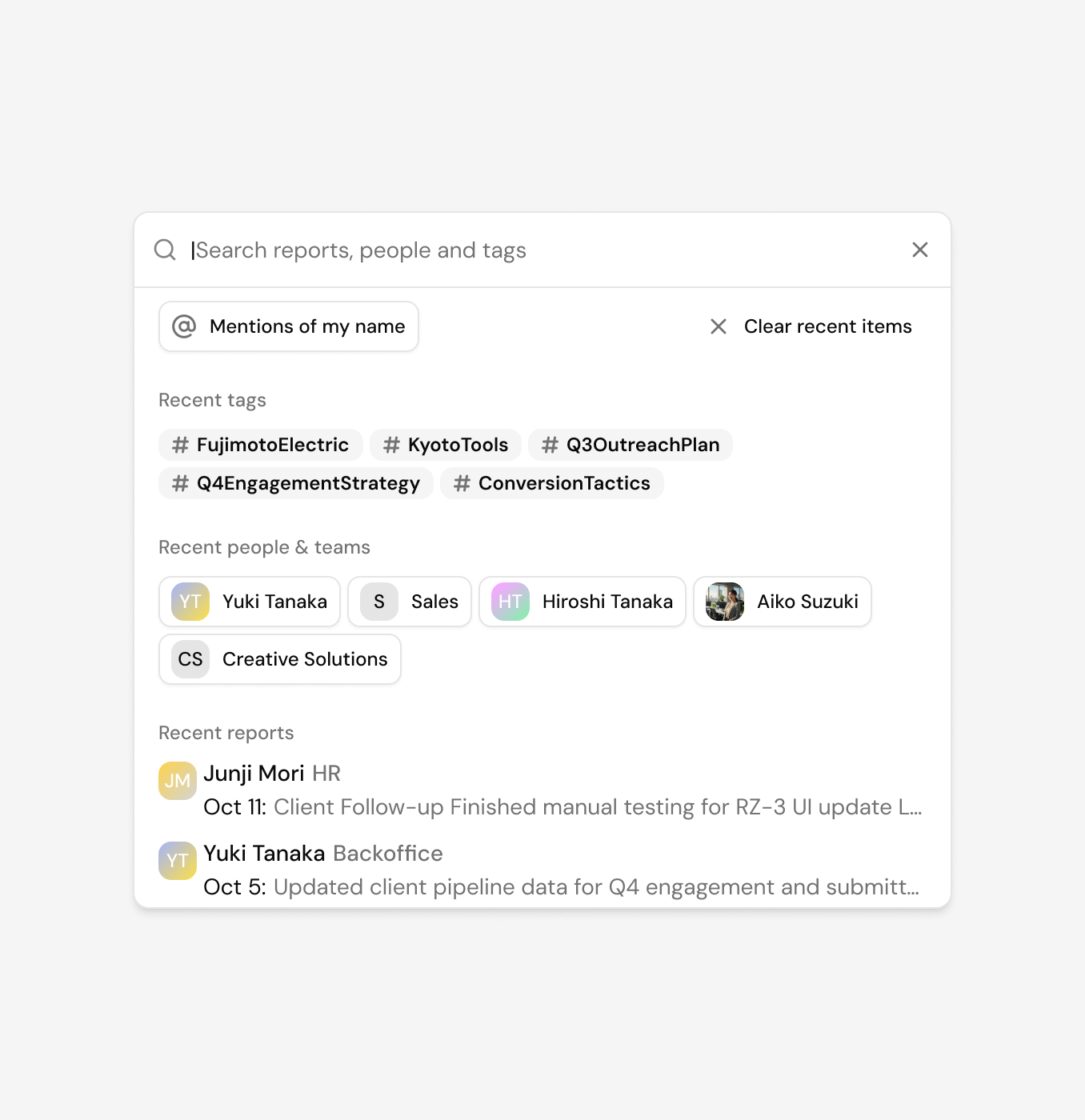
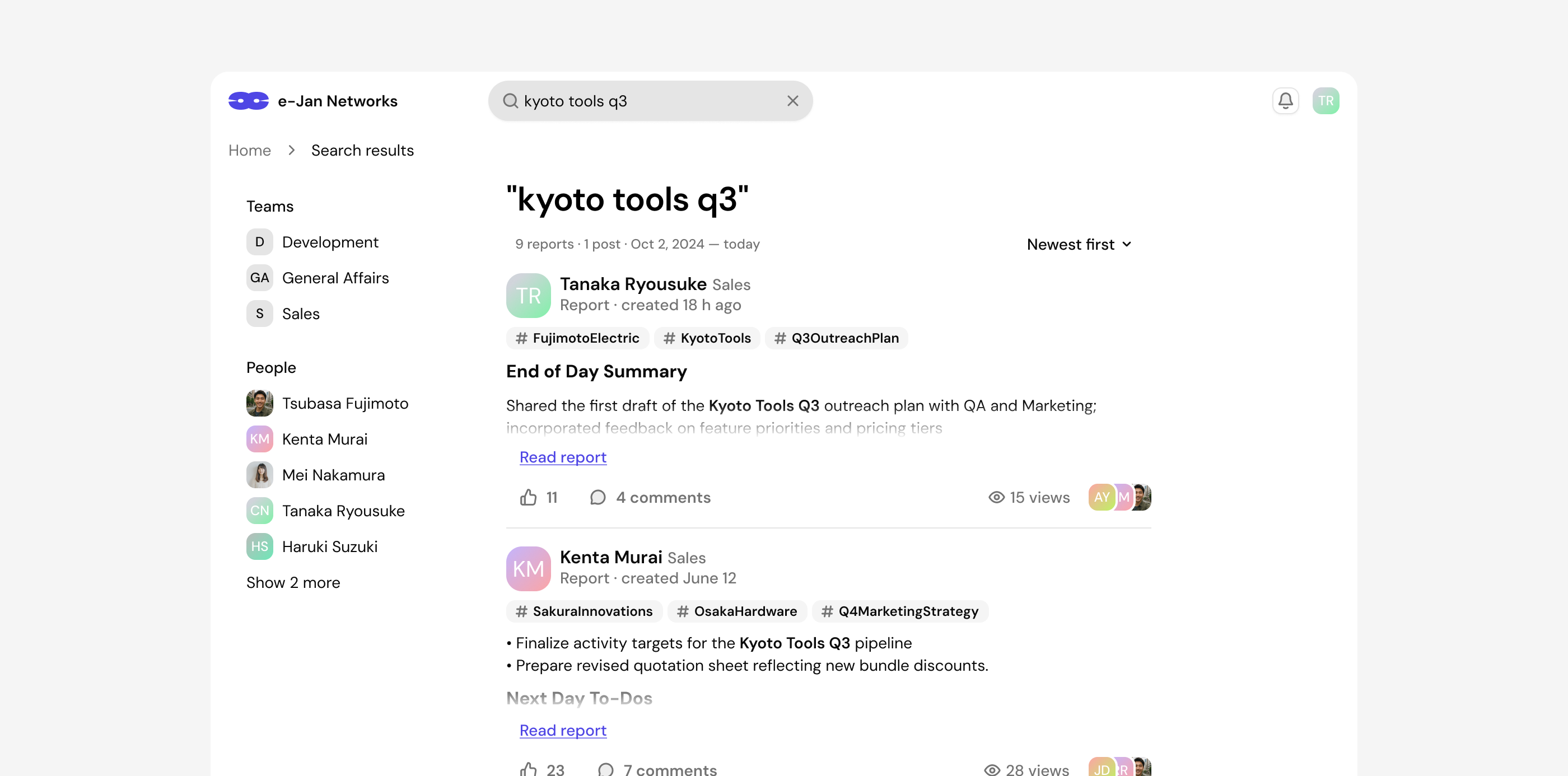
Before the redesign, finding information scored 3.3 out of 5 in the employee survey, with 27% rating it as difficult. Employees searched for project updates, Good News and mentions of their own name. I redesigned search across reports, posts and people, adding filters for dates, teams and employees, sorting and recent searches to help colleagues narrow down results and return to previous queries.
Follow project progress through daily reports
Research showed that employees read colleagues’ reports to understand project progress. But updates were spread across individual reports, and CrossCom had no dedicated project structure.
I proposed automatically extracting three key project or work-topic tags from each report and showing them directly in the feed. Employees could select a tag to see related reports or search by tags to find updates over time. This would let them follow how work develops through the reports colleagues already write.

Make daily reporting work on mobile
In the employee survey, 41% used CrossCom on their phones. I designed compact feed cards, bottom navigation, larger touch targets and readable long-report layouts. The wider design system also covered English and Japanese content, reusable components, loading, empty and error states.
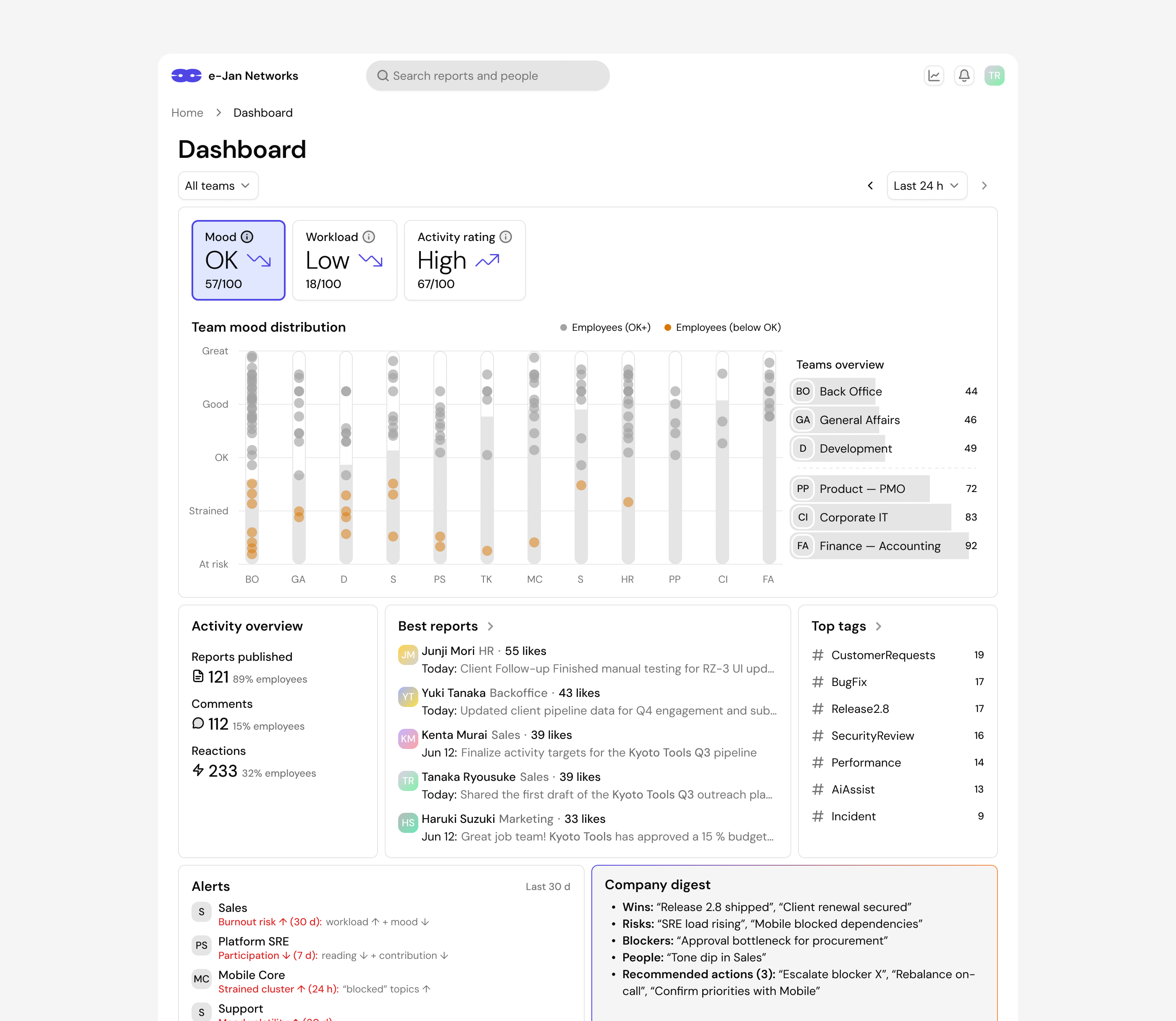
Exploring a team overview for managers
I also explored how daily reports could give managers a broader view of their teams. The dashboard concept brought together reporting activity, workload and mood trends, recurring topics and an AI-generated digest. Managers could move from the overview into team, employee and report details to understand the context behind a signal and identify topics for follow-up.